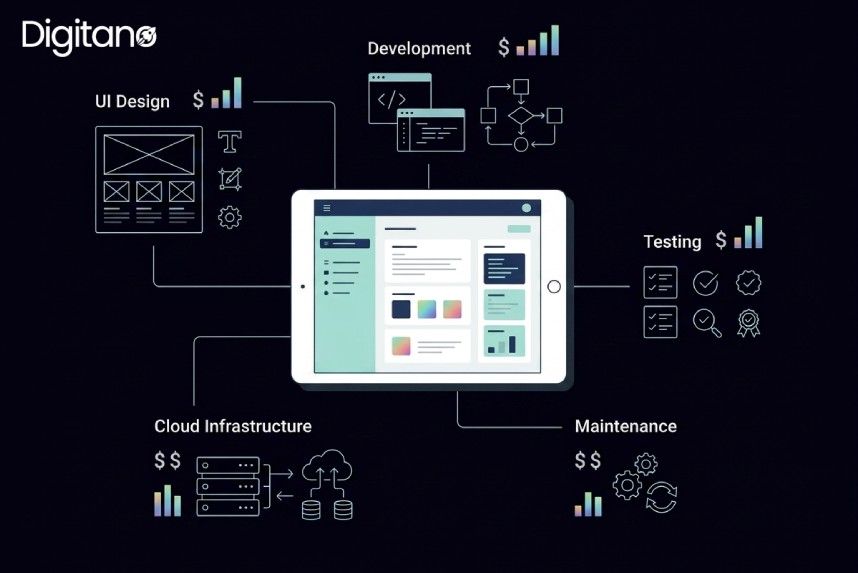
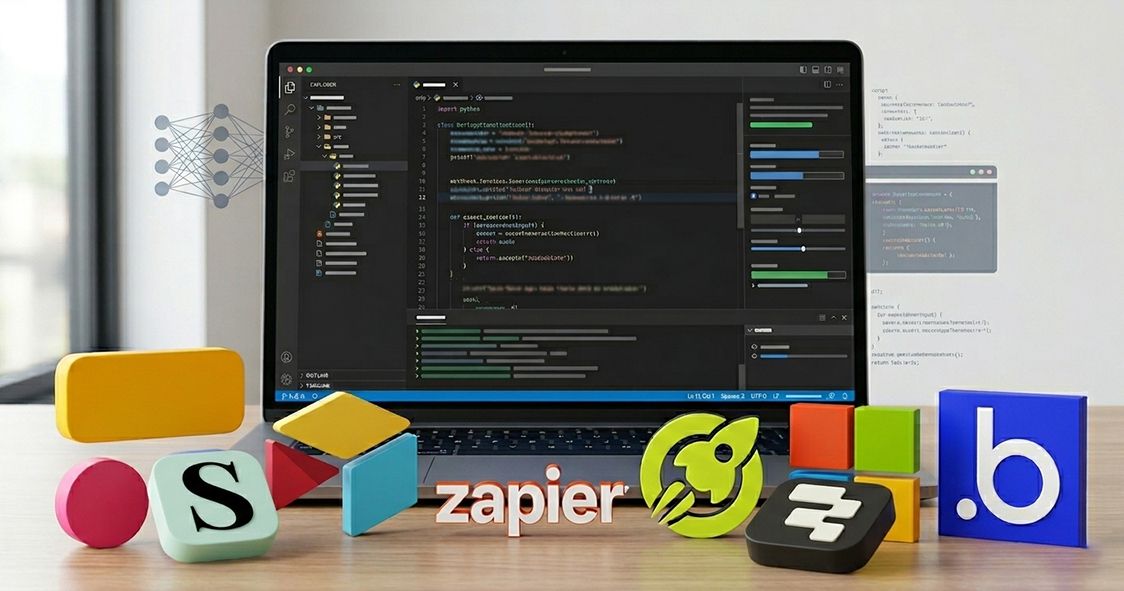
Let's be honest — not everyone has the time, budget, or technical chops to hire a dev team and wait three months just to launch an internal tool or a simple client portal. That's exactly why no-code and low-code app builders have completely exploded over the last few years. In 2026, these platforms aren't just 'good enough' like in 2014; some of them are genuinely impressive.
We went hands-on with eight of the most popular app-building sites right now—testing everything from the drag-and-drop experience to automation depth, integrations, pricing, and real-world use cases. Whether you're a solo founder, a small business owner, or part of an operations team trying to ship something fast, this guide is for you.
Let's get into it.
Quick Comparison: 8 Best App Building Sites in 2026
1. Softr—Best for Client Portals, Directories & Member Sites
🏆 Best for: Entrepreneurs and agencies who want to build portals backed by Airtable or Google Sheets data — fast.
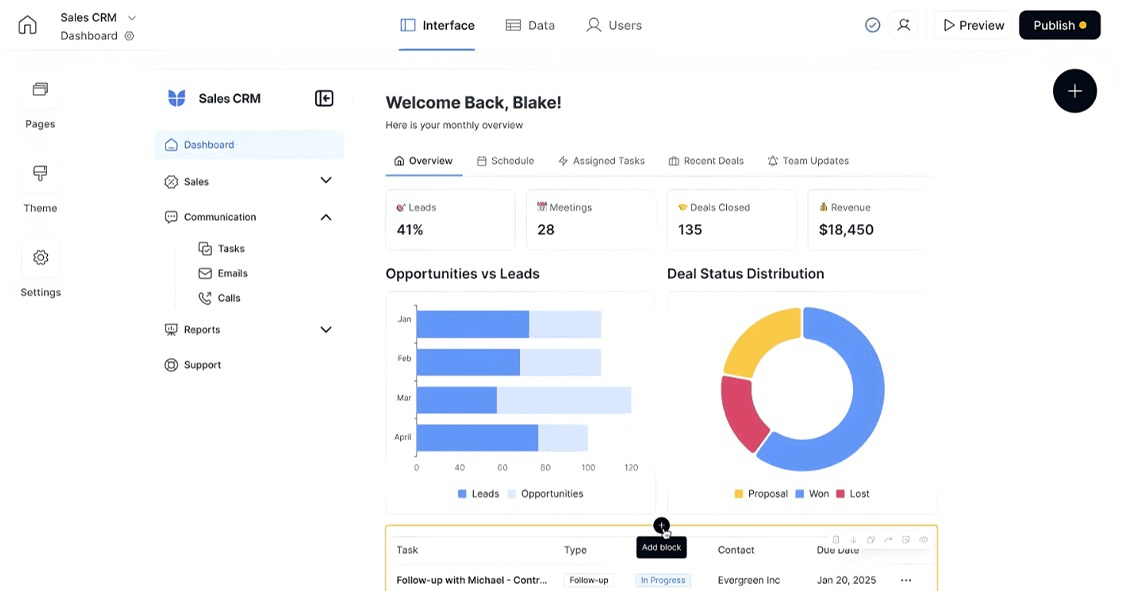
If you need to build a client portal, membership site, or business directory and you want it done this week—not next month—Softr is probably your best bet right now.
The concept is simple. You connect your data source (Airtable, Google Sheets, HubSpot, or their native database), pick a template, and start dragging blocks around. User authentication, conditional visibility, and form submissions are all built in. No backend setup, no database configuration. It just works.
What we liked
- Connecting an Airtable base and having a working portal in under 30 minutes
- User login with email/password, Google, or magic link—built in by default
- Conditional content visibility (show certain pages only to paid members, for example)
- Clean, modern templates that don't look like they were made in 2012
Where it falls short
- Custom logic and complex workflows need Zapier or Make on the side
- The free plan is limited to 5 internal users—you'll need to upgrade for real clients
Pricing
- Free: 5 internal users
- Basic: $49/month (25 external users)
- Professional: $139/month (unlimited external users)
- Business: $269/month (SSO, white-labeling)
Verdict: If your primary goal is a client-facing portal or a directory and your data already lives in Airtable, Softr is hands-down the fastest path from idea to live app.
2. Zapier Interfaces — Best for Automation-Powered Apps & Internal Tools
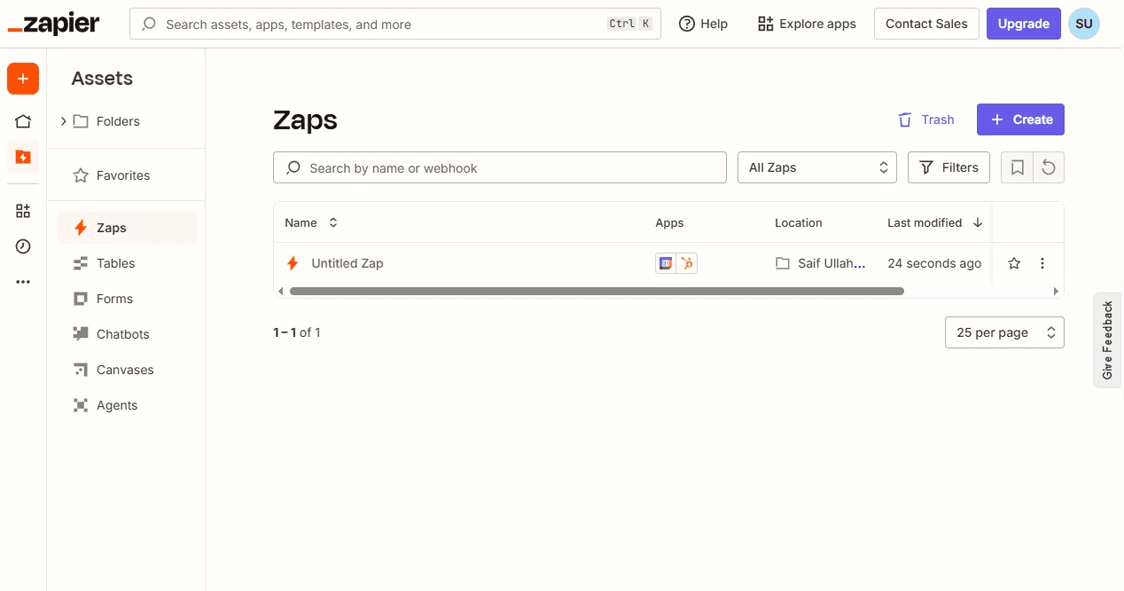
🏆 Best for: Teams already using Zapier who want to build simple apps and forms that trigger automated workflows.
Most people know Zapier as the automation glue between apps. What fewer people realize is that Zapier has quietly built out a solid app-building layer called "Interfaces," and it's genuinely useful.
The idea is that you build a simple interface (a form, a dashboard, a page), and every interaction feeds directly into your Zaps. So you could have a client intake form that automatically creates a contact in your CRM, sends a Slack notification, and adds a row to Google Sheets—all with a single button click on your app.
The component library is smaller than some competitors, but the depth of automation you can trigger from those components is unmatched. You get access to all 8,000+ Zapier integrations.
What we liked
- Native Zapier integration means complex automations are trivial to set up
- Tables feature works as a lightweight database inside your app
- Great for internal approval flows, request trackers, and ops dashboards
- The chatbot feature (beta) lets you embed AI-powered assistants into interfaces
Where it falls short
- Not designed for public-facing apps with anonymous users
- UI customization is more limited compared to Softr or Bubble
Pricing
- Free: Included with Zapier free plan (limited tasks)
- Starter: $19.99/month (750 tasks/month)
- Professional: $49/month (2,000 tasks/month)
- Team: $69/month (2,000 tasks + multi-user)
Verdict: If you're already deep in the Zapier ecosystem, Interfaces is a natural extension. Not the prettiest, but the automation depth makes up for it.
3. Microsoft Power Apps — Best for Enterprise Teams in the Microsoft Ecosystem
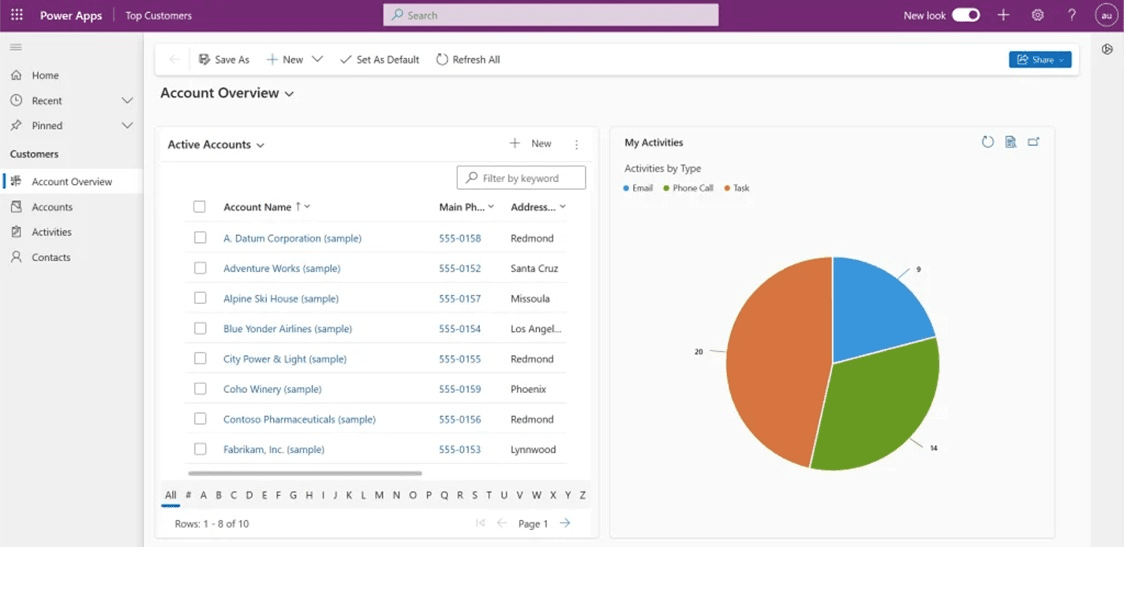
🏆 Best for: IT teams and enterprise departments already running Microsoft 365 / Dynamics who need custom internal tools.
Look, Microsoft Power Apps isn't going to be everyone's cup of tea. The learning curve is steeper than most tools on this list, and it has a very corporate, enterprise feel. But if your organization already runs on SharePoint, Teams, Dynamics, or Azure—that is where the real power lives.
Power Apps is part of the Microsoft Power Platform, which means it connects seamlessly with Power Automate (for workflows), Power BI (for analytics), and Dataverse (for data storage). You can build canvas apps (fully custom layouts) or model-driven apps (auto-generated from data structure).
What we liked
- Deep native integration with SharePoint, Teams, Outlook, and Dynamics 365
- Power Automate gives you serious workflow automation capability
- AI Builder lets you add pre-trained AI models (form processing, object detection) without code
- Solid governance and compliance tools are important for regulated industries
Where it falls short
- Steep learning curve, especially for Canvas apps—it's not truly drag-and-drop friendly
- Pricing per-user can add up fast for large teams
- Not a great choice for external/public-facing apps
Pricing
- Power Apps per app: $5/user/month (up to 2 apps)
- Power Apps per user: $20/user/month (unlimited apps)
- Included in some Microsoft 365 Business plans (limited features)
Verdict: A powerful enterprise tool with a ceiling that can handle genuinely complex business processes. Just don't expect to ship something on day one if you're new to the platform.
4. Airtable Omni — Best for Data-Driven Apps with AI Superpowers
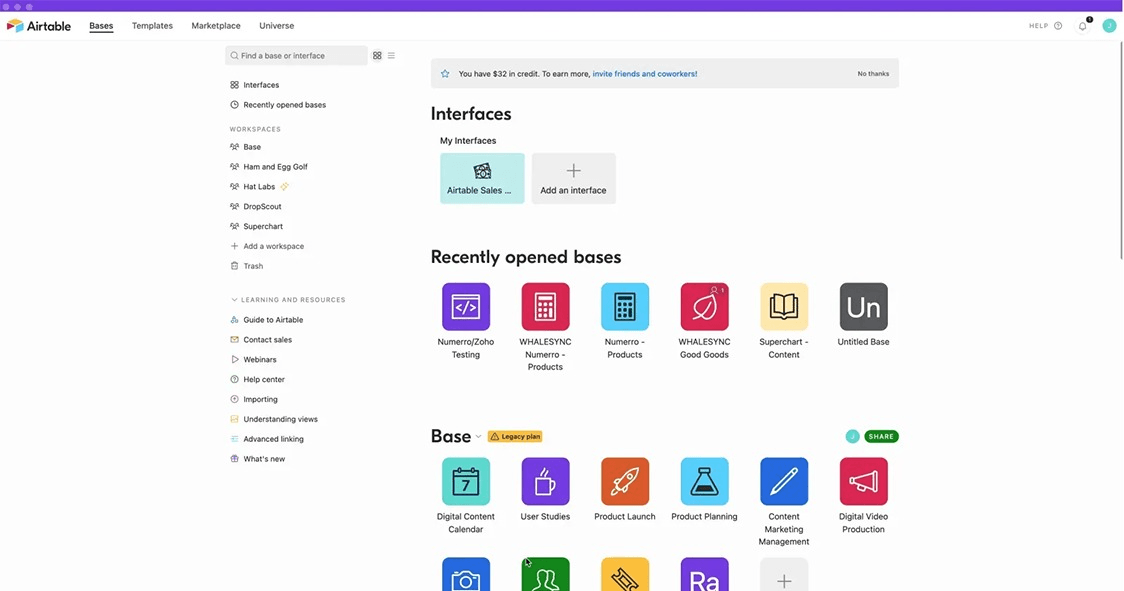
🏆 Best for: Teams who live in Airtable and want to build smart, AI-enhanced views and apps directly on top of their data.
Airtable has been on a product tear lately. Airtable Omni is the company's ambitious push to turn your database into a full application platform—and they've baked in AI at every layer.
With Omni, you can build custom interfaces on top of your Airtable bases, set up automations, use AI field types that automatically categorize or summarize data, and create different views for different teams. The line between "spreadsheet" and "app" has basically been erased.
What we liked
- AI fields that can auto-classify, summarize, and extract insights from your data
- Interface Designer lets non-technical users create custom views with no training
- Automations are simple to configure yet surprisingly powerful
- Syncing data across bases — great for teams working across multiple projects
Where it falls short
- Gets expensive fast once you need advanced features or a large team
- For complex apps with multi-step logic, Bubble or Retool are still better choices
Pricing
- Free: Up to 5 editors, 1,000 records/base
- Team: $20/seat/month
- Business: $45/seat/month (advanced features, SSO)
- Enterprise: Custom pricing
Verdict: If your workflow is data-heavy and you need AI to help manage and surface that data, Airtable Omni is the most intuitive choice on this list.
5. Bubble — Best for Building Full-Featured Web Applications
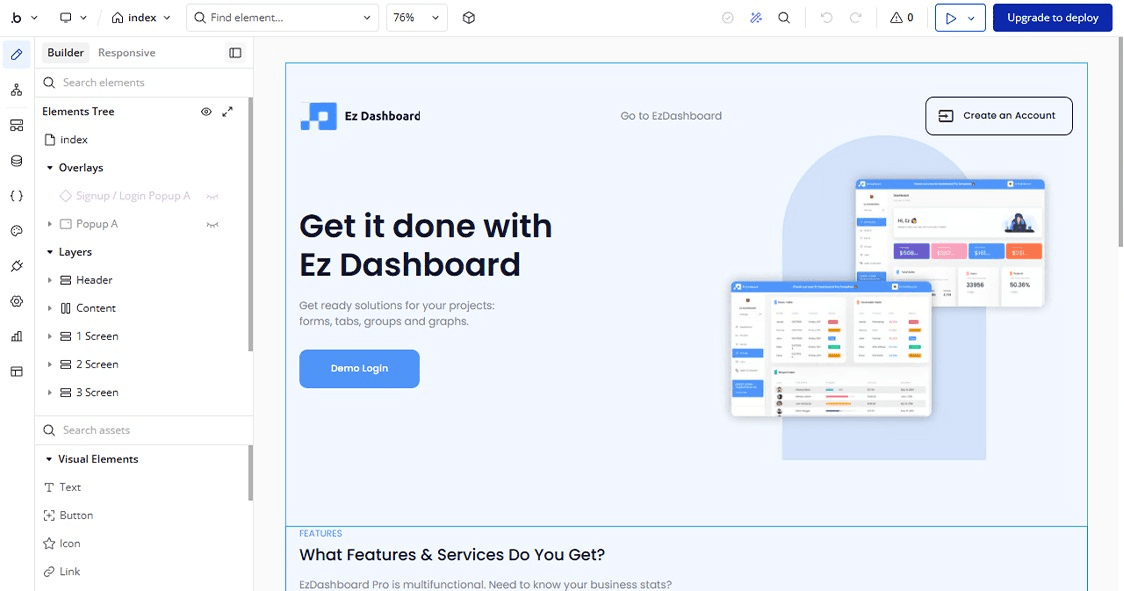
🏆 Best for: Founders and product teams who want to build a real SaaS product or web app without writing code.
If there's one platform that's truly earned the "build anything" tagline, it's Bubble. This isn't just an internal tool builder or a portal creator—Bubble lets you build fully functional web applications complete with user authentication, databases, complex conditional logic, API integrations, and custom workflows.
The tradeoff is the learning curve. Bubble has its own visual programming language, and it takes a few days to wrap your head around how the editor works. But once it clicks, the ceiling is remarkably high. There are bubble-built apps handling tens of thousands of users and processing real transactions every day.
What we liked
- Full front-end and back-end control in a single visual editor
- Responsive design editor (genuinely good in the current version)
- Plugin marketplace with hundreds of pre-built integrations
- The workflow editor supports complex multi-step logic and conditionals
- Large, active community—it's easy to find templates and tutorials
Where it falls short
- Steep learning curve compared to other tools on this list
- Performance can degrade on data-heavy pages if not optimized
- No native mobile app builder—mobile apps require Bubble + a wrapper
Pricing
- Free: Bubble branding, limited capacity
- Starter: $29/month (custom domain, 2 app collaborators)
- Growth: $119/month (more capacity, server logs)
- Team: $349/month (advanced features, collaboration)
Verdict: The most powerful no-code web app builder available. If you want to build a real product—not just an internal tool—and you're willing to spend a few days learning the platform, Bubble is worth it.
6. Retool — Best for Internal Tools & Developer-Friendly Dashboards
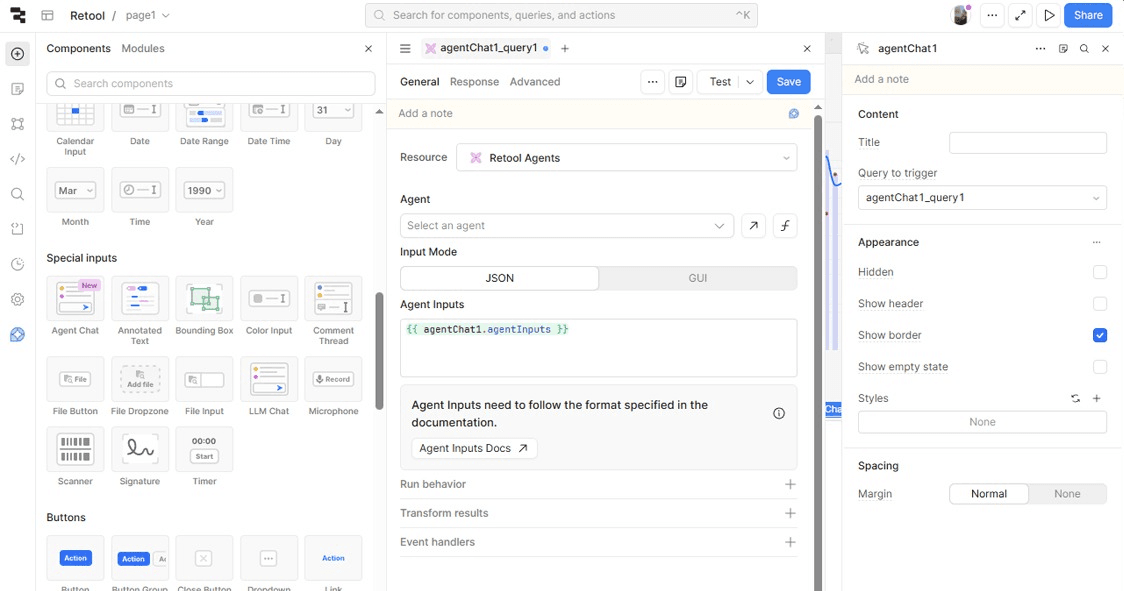
🏆 Best for: Developers and engineering-adjacent teams who need to build internal admin panels, dashboards, and CRUD apps fast.
Retool occupies an interesting middle ground — it's more technical than most no-code tools, but far faster than building from scratch. Think of it as a component library where the components are pre-built UI blocks (tables, forms, buttons, and charts) that you wire up to your database or API.
You write queries—SQL, API calls, or JavaScript transforms—and Retool handles the UI layer. The result is that a developer who'd normally spend a week building an admin panel can ship it in a day.
What we liked
- Connects directly to PostgreSQL, MySQL, MongoDB, Snowflake, and dozens more
- Pre-built components that look good without custom CSS
- JavaScript transformers for custom data manipulation
- Retool Mobile for simple mobile dashboards
- Solid permission controls for team access
Where it falls short
- Requires some technical knowledge—not truly no-code
- Overkill for simple forms or portals that Softr or Airtable can handle
- Per-user pricing adds up for larger teams
Pricing
- Free: 5 users (cloud deployment)
- Team: $10/user/month (unlimited apps, version history)
- Business: $50/user/month (SSO, audit logs)
- Enterprise: Custom pricing
Verdict: If you're a developer or on a technical team and need internal tools fast, Retool is one of the best in the business. For pure non-technical users, there are better options on this list.
7. Digitano—Best for Agencies Building Custom Client Apps
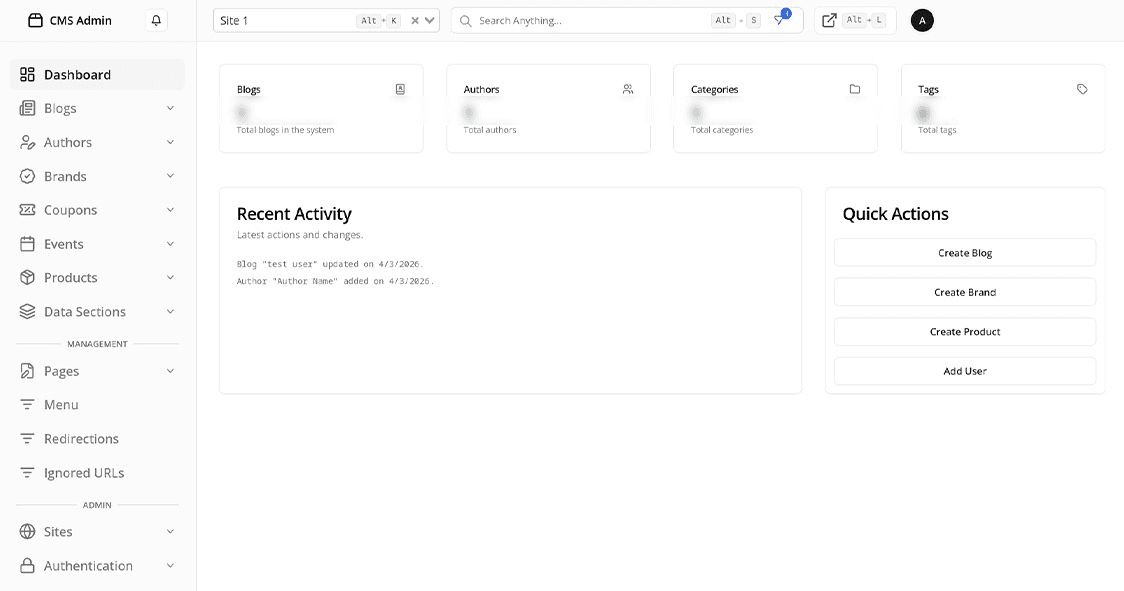
🏆 Best for: Digital agencies and freelancers who want production-grade web presence with CMS-backed apps and full customization.
Digitano (digitanollc.com) takes a different approach from most of the platforms on this list. Rather than a pure point-and-click builder, Digitano operates as a full-service digital agency platform—combining a Next.js frontend framework with a Strapi CMS backend to deliver custom, SEO-optimized client applications.
If you're an agency that's tired of cookie-cutter website builders and wants to offer clients a truly bespoke product—with proper performance optimization, structured content management, and production-level code—Digitano's approach is worth looking at closely.
What sets Digitano apart is the stack. The Next.js + Strapi combination means you get all the flexibility of a custom-built web application with the content management experience that non-technical clients can actually use. Combine that with ISR (Incremental Static Regeneration), OpenGraph SEO optimization, and a clean component-based architecture, and you have something that will actually rank and perform.
What we liked
- Production-grade stack (Next.js 14 + Strapi 5) — not a toy builder
- Full SEO control — meta tags, canonical URLs, OpenGraph, schema markup
- Blog, portfolio, and service pages all manageable from the CMS
- Custom CRM integrations built into client projects
- Dark-themed, modern design aesthetic that stands out
Ideal use cases
- Digital agencies building client websites and portals
- Businesses wanting a blog-driven content marketing strategy
- E-commerce operators needing custom CRM-backed storefronts
- Startups who want a scalable foundation, not a builder they'll outgrow
Pricing
Digitano operates on a custom project basis—you work directly with their team to scope the project. Contact them at digitanollc.com for a consultation.
Verdict: Not a self-serve builder, but that's the point. If you want something that will last and scale—and you want someone who actually knows what they're doing to build it—Digitano is a serious option for agencies and growth-stage businesses.
8. Shipper—Best for Logistics and Delivery App Building
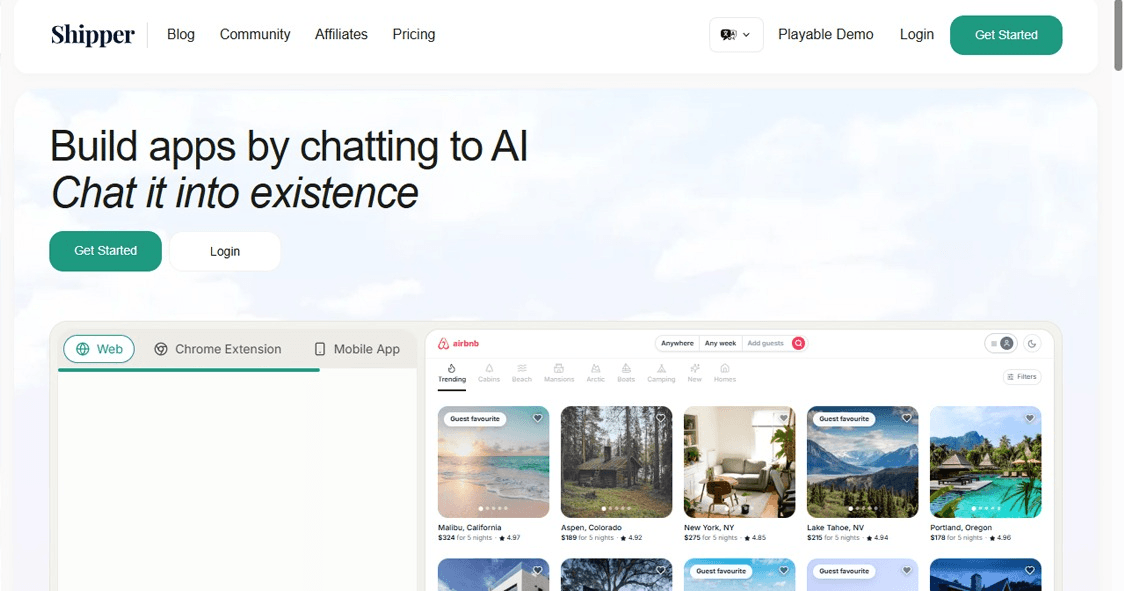
🏆 Best for: Delivery businesses, courier services, and logistics startups who need a ready-to-launch delivery app platform.
Shipper is a specialized app-building platform focused almost entirely on the logistics and delivery vertical. If you're running a courier service, a local delivery business, or a logistics startup and you need a branded delivery app—customer-facing and dispatcher-facing—Shipper is built specifically for that problem.
Instead of building a delivery app from scratch (which easily runs into six figures of development cost), Shipper gives you the infrastructure: real-time GPS tracking, driver apps, customer notifications, route optimization, and a dispatch dashboard—all white-labeled under your brand.
What we liked
- Real-time order tracking with live GPS — works out of the box
- Driver and customer apps included—both iOS and Android
- Route optimization built into the dispatch dashboard
- White-label branding — looks like your own app to your customers
- The notification system (SMS + push) is solid and reliable
Where it falls short
- Very vertical-specific—not useful outside logistics/delivery
- Pricing is not transparent—you'll need to contact their sales team
- Limited customization outside the core delivery workflow
Pricing
Shippr uses custom enterprise pricing. Contact their team for a quote based on your delivery volume and feature needs.
Verdict: If you're in the delivery or logistics space, Shippr removes months of development work and gives you a professional product quickly. Narrow use case, but within that use case—excellent.
How to Choose the Right App Building Site for Your Needs
Here's the honest breakdown—there's no single "best" platform. The right choice depends almost entirely on what you're building and who's doing the building.
Choose Softr if...
- You want a client portal, directory, or membership site
- Your data is already in Airtable or Google Sheets
- You need something live within days, not weeks
Choose Zapier Interfaces if...
- You're already using Zapier for automations
- You need lightweight internal apps that trigger workflows
- Automation depth is more important to you than UI polish
Choose Microsoft Power Apps if...
- You're in an enterprise environment running Microsoft 365
- You need compliance, governance, and Azure/Dynamics integration
- You have a technically capable team to manage the build
Choose Airtable Omni if...
- Your work is highly data-centric
- You want AI built directly into your data layer
- Your team manages complex, multi-step data workflows
Choose Bubble if...
- You're building a real SaaS product or web application
- You need full-stack no-code (front-end + back-end + database)
- You're willing to invest time learning the platform
Choose Retool if...
- You're a developer or have technical teammates
- You need internal tools on top of your existing database
- Speed of development matters more than no-code accessibility
Choose Digitano if...
- You're an agency or business wanting a custom, production-grade web presence
- SEO, content management, and performance are non-negotiable
- You want a trusted team to build and maintain your platform
Choose Shippr if...
- You're in the delivery, courier, or logistics industry
- You need a branded customer + driver app without building from scratch
Frequently Asked Questions (FAQs)
Q: What is the best free app building site in 2026?
A: For free plans, Softr, Zapier Interfaces, Airtable, and Bubble all offer usable free tiers. Softr is the most beginner-friendly for portals, while Bubble's free plan is the best option for those wanting to build a full web application.
Q: Can I build a mobile app on these platforms?
A: Most of these platforms are focused on web apps. Bubble supports responsive web apps that work on mobile browsers. Retool has a mobile product. Shippr is the only one on this list with a native iOS and Android app component built in.
Q: Is no-code app building good for SEO?
A: It depends on the platform. Softr and Bubble support custom domains and basic SEO. However, for serious SEO performance—structured metadata, proper canonical URLs, and Core Web Vitals optimization—a production stack like what Digitano offers will outperform most no-code builders significantly.
Q: Which app building platform is best for small businesses?
A: Softr and Airtable Omni are excellent for small businesses due to their ease of use and affordable pricing. Zapier Interfaces is great if you already rely on Zapier for your day-to-day operations.
Q: Do I need coding skills to use these platforms?
A: Most platforms on this list are specifically designed to be used without coding. Softr, Airtable, and Zapier interfaces require zero coding. Bubble has a learning curve but is still no-code. Retool is the only one that's genuinely better with some technical knowledge.
Q: What is the difference between no-code and low-code?
A: No-code platforms let you build entirely through visual interfaces — no programming required. Low-code platforms provide a visual base but allow (or sometimes require) writing code for advanced functionality. Retool and Microsoft Power Apps are examples of low-code; Softr and Bubble are no-code.
Q: Which platform is best for a startup building its first product?
A: Bubble is widely used by early-stage startups for building their first version of a SaaS product. It's powerful enough to get you to customers and revenue without needing a developer. Once traction is proven, many startups then rebuild with a custom stack.
Q: Is Digitano available for international clients?
A: Yes. Digitano works with clients globally. Visit digitanollc.com to get in touch and discuss your project requirements.
Final Thoughts
The best app building site in 2026 is the one that matches your specific situation — your skills, your timeline, your budget, and what you're actually building. There's never been a better time to launch something without needing a full development team.
If you want the quickest path to a working portal, go with Softr. If you're building a real product, Bubble is hard to beat. If you're an enterprise team on Microsoft 365, Power Apps is your home. And if you want a production-grade custom build that will actually rank on Google and grow with your business, Digitano is the conversation you need to have.
Bookmark this page — we update it regularly as these platforms release new features throughout 2026.