Picking the right CMS platform for your website is one of those decisions that looks small on day one but shapes everything that follows — your SEO, your content workflow, your ability to scale, and how much you end up spending on developers.
We've been deep in this space for years, and let us tell you — the options in 2026 are genuinely excellent. But they're also wildly different from each other. WordPress and Strapi don't belong in the same conversation as Wix or Squarespace, even though all four technically let you 'manage content on a website.'
So we put together this no-fluff guide covering the 20 best CMS platforms you should consider in 2026. For each one, we cover what it actually is, who it's best for, real pros and cons, key features, and pricing. No sponsored rankings — just honest analysis.
Let's get into it.
What Is a CMS and Why Does Your Choice Matter in 2026?
A Content Management System (CMS) is the software that lets you create, edit, organize, and publish digital content on your website — without having to touch raw code every time you want to update a blog post or product page.
But in 2026, the CMS category has split into very different types:
- Traditional / Monolithic CMS: Frontend and backend are bundled together (WordPress, Joomla, Drupal)
- Hosted Website Builders: All-in-one platforms with hosting included (Wix, Squarespace, Shopify)
- Headless CMS: Content is delivered via API to any frontend (Strapi, Sanity, Storyblok)
- eCommerce-first CMS: Built around selling products online (Shopify, Magento, BigCommerce)
- Agency/Custom CMS: Built for production-grade custom web apps (Digitano)
The type you choose determines your flexibility, your SEO ceiling, your developer requirements, and how well your site performs long-term. Choose wrong and you'll be migrating in 18 months. Choose right and you'll build on it for years.
Quick Comparison: 20 Best CMS Platforms in 2026
Detailed Reviews: 20 Best CMS Platforms in 2026
1. WordPress
The World's Most Popular CMS — 62.7% of all CMS-powered websites
🏆 Best For: Bloggers, content creators, digital agencies, eCommerce stores, and businesses of all sizes.
Overview
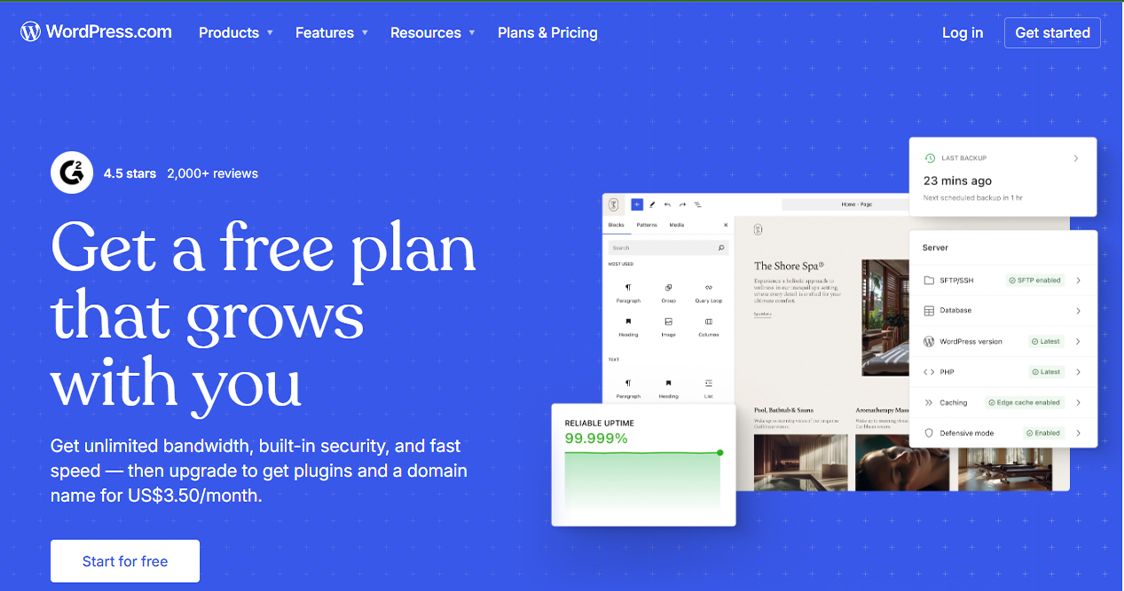
Let's start with the obvious. WordPress powers roughly 43% of ALL websites on the internet — not just CMS-powered ones. That's not a coincidence. It's a reflection of how genuinely flexible and community-supported this platform is.
WordPress.org (the self-hosted version) gives you a blank canvas. You install it on your own hosting, choose from thousands of themes, and extend it with over 60,000 free plugins covering everything from SEO to eCommerce to membership sites. The Gutenberg block editor makes content creation visual and intuitive, even for non-technical users.
The tradeoff? You're responsible for your own hosting, security, backups, and updates. But with managed WordPress hosting services available everywhere, that burden has shrunk considerably.
Key Features
- You handle hosting, security, and updates yourself
- Plugin conflicts can break your site if not managed carefully
- Performance requires optimization — it's not fast out of the box
- Can feel overwhelming for complete beginners
✅ Pros
- Gutenberg block editor — visual drag-and-drop content creation
- 60,000+ plugins and 10,000+ themes available
- WooCommerce integration for full eCommerce functionality
- Full SEO control via Yoast SEO, Rank Math, and similar plugins
- Multisite capability — manage multiple sites from one installation
- REST API for headless or hybrid deployments
❌ Cons
- Largest plugin ecosystem in the world
- Massive community — tutorials, developers, support everywhere
- Total control over your hosting environment and costs
- Scales from personal blog to enterprise-level site
- Strong SEO foundations with the right setup
Pricing
💰 WordPress software: Free (open-source)
💰 Hosting: $3 – $30/month depending on provider
💰 Premium themes/plugins: Variable
Our Verdict
👉 WordPress is still the default recommendation for most use cases. If you're serious about content marketing, SEO, and long-term flexibility — and you're willing to manage your own hosting — nothing else comes close at this price point.
2. Digitano
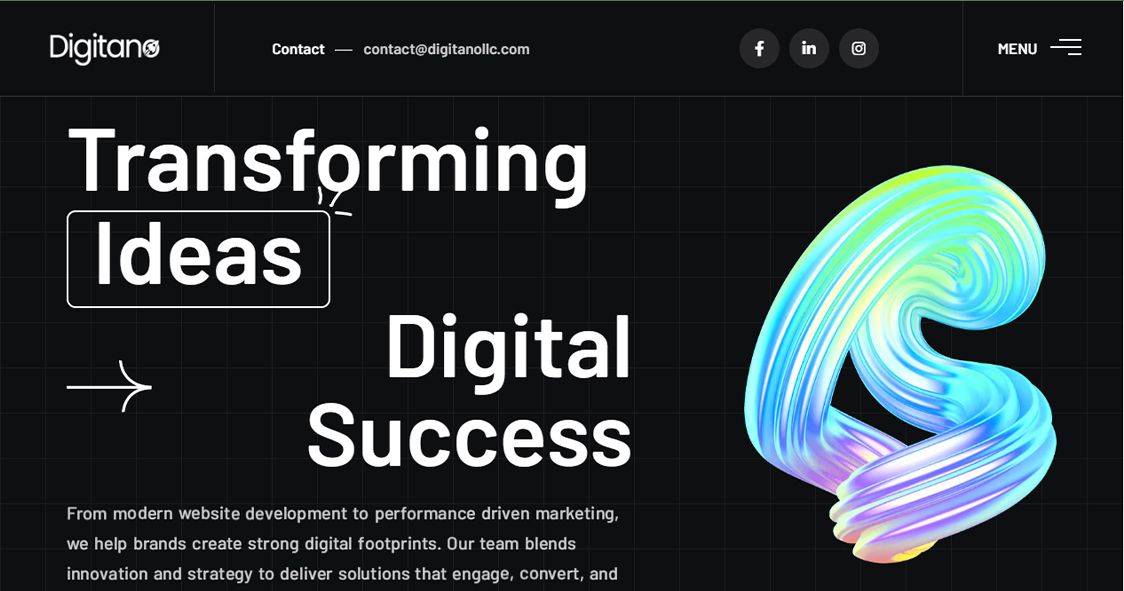
The Production-Grade CMS for Agencies, Businesses & Growth-Stage Brands
🌐 digitanollc.com — Built for teams who refuse to compromise on performance, SEO, or customization.
🏆 Best For: Digital agencies, growth-stage businesses, startups that need a production-ready web presence with CMS-backed content management, blazing performance, and real SEO results.
Overview
If you've ever felt stuck between "a website builder that's too limiting" and "a custom build that takes 6 months and costs a fortune" — Digitano exists precisely to solve that problem.
Digitano is a digital agency platform that builds production-grade websites and web applications using a Next.js 14 (App Router) frontend paired with a Strapi 5 CMS backend. This isn't a drag-and-drop tool or a SaaS builder — it's a full custom-built solution delivered with the speed and SEO-readiness of a modern tech stack.
The platform was built by developers who were frustrated with the gap between what WordPress could deliver and what a properly architected Next.js application could do. The result is a CMS-backed web presence that is simultaneously managed by non-technical editors through a clean Strapi dashboard, while performing like a custom-coded application on the frontend.
What Makes Digitano Different
- Next.js 14 App Router frontend with Incremental Static Regeneration (ISR) for near-instant load times
- Strapi 5 CMS backend — editors manage all content (blog posts, pages, media) through a clean admin panel
- SEO built in from day one — structured metadata, Open Graph tags, canonical URLs, schema markup
- Blog publishing system with scheduling, category management, and rich text rendering via marked library
- Custom CRM integrations for e-commerce clients — connect your storefront to customer data
- Performance-optimized CSS architecture — no bloated themes, no plugin overhead
- Dark-themed modern design aesthetic with light blue accent color system (#2563EB / #38BDF8)
- Server infrastructure on Ubuntu with nginx reverse proxy, PM2 process management, and PostgreSQL
The Tech Stack
Digitano's stack is deliberately chosen for performance and scalability:
- Frontend: Next.js 14 (TypeScript, App Router, Tailwind CSS)
- CMS: Strapi 5 (headless, self-hosted)
- Database: PostgreSQL
- Server: Ubuntu 24, nginx, PM2
- Hosting: Cloud VPS with custom domain and SSL configuration
- SEO: Built-in metadata pipeline, sitemap generation, OpenGraph, Twitter Cards
Content Management Experience
Non-technical editors get a clean, intuitive Strapi dashboard where they can create and schedule blog posts, update page content, manage media uploads, and organize categories. There's no need to touch code after the initial setup. The frontend automatically pulls the latest content via the Strapi API and renders it with full SEO optimization.
✅ Pros
- Production-grade performance — Lighthouse scores optimized, Core Web Vitals clean
- True SEO control — meta tags, canonical URLs, OpenGraph, schema markup all configurable
- Non-technical editors can manage all content through the Strapi CMS
- No plugin bloat, no theme conflicts — clean, maintainable codebase
- Scales from a startup landing page to a full content-marketing engine
- Custom integrations available — CRM, analytics, payment gateways, third-party APIs
- Dedicated team — you're not on your own with support forums
- Full ownership of your codebase and data
❌ Cons
- Not a self-serve platform — requires engagement with the Digitano team
- Pricing is custom (not a fixed monthly plan)
- Best suited for businesses ready to invest in a proper web presence
Ideal Use Cases
- Digital agencies building client websites and web applications
- Businesses running a content marketing strategy who need real SEO performance
- E-commerce operators needing custom CRM-integrated storefronts
- SaaS startups who want a scalable, maintainable web presence
- Companies migrating off WordPress who want better performance without sacrificing CMS usability
Pricing
Digitano works on a custom project basis. Pricing depends on the scope of your project — from a blog-focused website to a full multi-service web application.
👉 Contact the Digitano team at digitanollc.com to discuss your project and get a custom quote.
Our Verdict
👉 Digitano isn't competing with Wix or Squarespace — and it shouldn't be. It's the platform for businesses that are serious about performance, SEO, and building something that will grow with them. If you want a website that actually ranks, actually loads fast, and can be managed by your content team without a developer on standby — this is the conversation you need to have.
3. Shopify
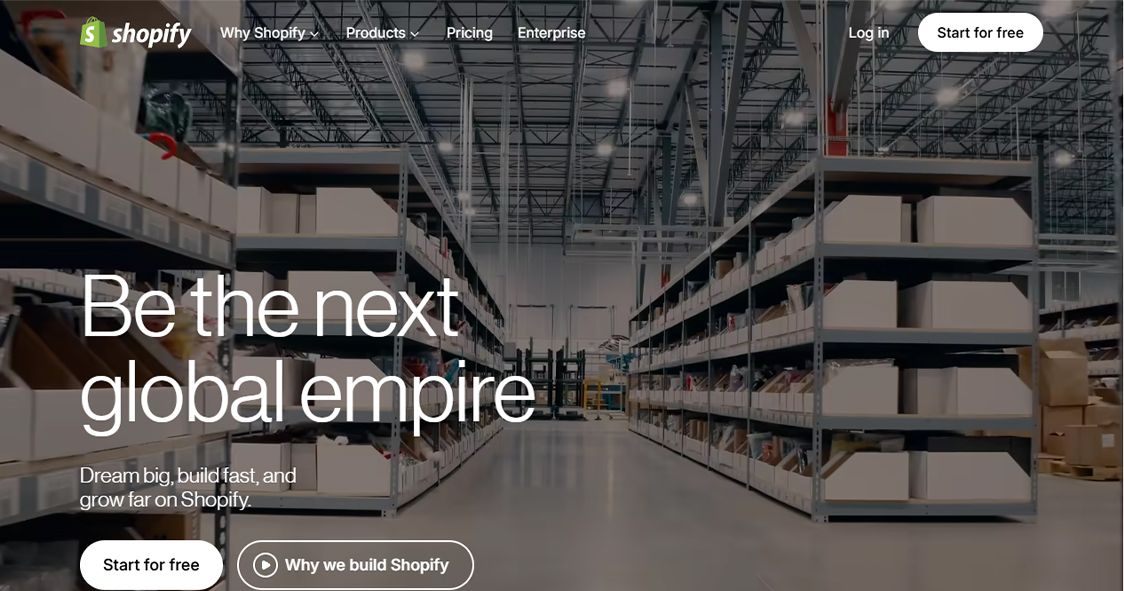
The Global Leader for eCommerce CMS
🏆 Best For: Online store owners, DTC brands, and retail businesses of every size
Overview
Shopify has become the gold standard for eCommerce CMS platforms, and it's easy to understand why. You get hosting, payment processing, product management, inventory tracking, and a polished storefront — all under one roof. You don't need to hire a developer to launch a professional online store, and the Shopify App Store gives you thousands of extensions when you're ready to grow.
Key Features
- Transaction fees if not using Shopify Payments
- Content management (blogging, pages) is limited compared to WordPress
- Monthly app costs can escalate quickly
- Less flexible for non-eCommerce sites
✅ Pros
- Drag-and-drop store builder with 100+ professional themes
- Built-in payment gateway (Shopify Payments) supporting 100+ currencies
- Shopify App Store with 8,000+ apps
- Multi-channel selling (social media, marketplaces, POS)
- Abandoned cart recovery and email marketing tools
- Robust inventory and order management
❌ Cons
- Easiest eCommerce setup in the market
- Reliable hosting with 99.9% uptime guarantee
- Excellent mobile-responsive themes
- Strong fraud protection built in
Pricing
💰 Basic: $39/month
💰 Shopify: $105/month
💰 Advanced: $399/month
💰 Shopify Plus: Custom pricing
Our Verdict
👉 If selling products online is your primary goal, Shopify is the most complete and reliable platform available. Just be mindful of app costs as you scale.
4. Wix
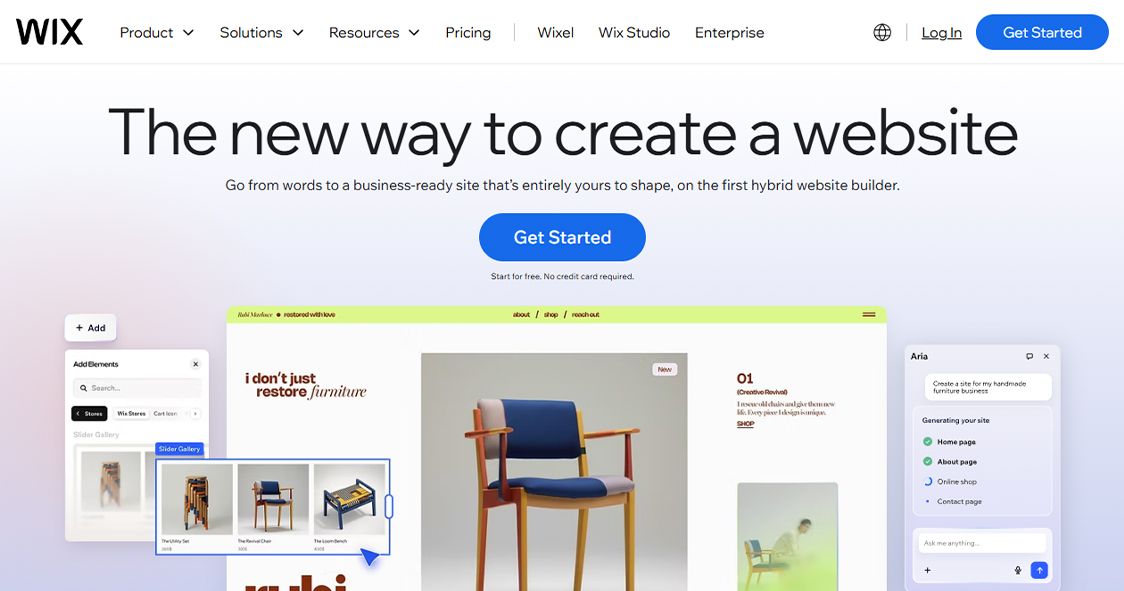
The Easiest Drag-and-Drop Website Builder
🏆 Best For: Individuals, small businesses, artists, and anyone who wants a professional site without touching code.
Overview
Wix makes website creation genuinely accessible to non-technical users. The drag-and-drop editor is the most intuitive in the market, and the Wix ADI (Artificial Design Intelligence) can generate a basic site from a few questions. In 2026, Wix has matured significantly — the Wix Studio update brought better responsive design tools and more developer-friendly features for agencies.
Key Features
- Once you publish a site, you cannot switch templates
- Limited scalability for complex or high-traffic sites
- Less customization depth compared to WordPress or Webflow
- Free plan includes Wix branding
✅ Pros
- True drag-and-drop editor — click anything, move it anywhere
- Wix ADI — AI that builds your site based on your inputs
- 800+ professionally designed templates
- Built-in App Market for adding functionality
- Wix Stores for light eCommerce
- Wix SEO Wiz for guided on-page SEO
❌ Cons
- Zero learning curve for complete beginners
- All-in-one (hosting included)
- Large template library across every industry
- Good enough SEO tools for small businesses
Pricing
💰 Free: Wix branding, limited features
💰 Light: $17/month
💰 Core: $29/month
💰 Business: $36/month
💰 Business Elite: $159/month
Our Verdict
👉 Perfect for personal sites, small business brochure sites, and portfolios. Not the right choice if you're serious about long-term SEO performance or need a scalable web application.
5. Squarespace
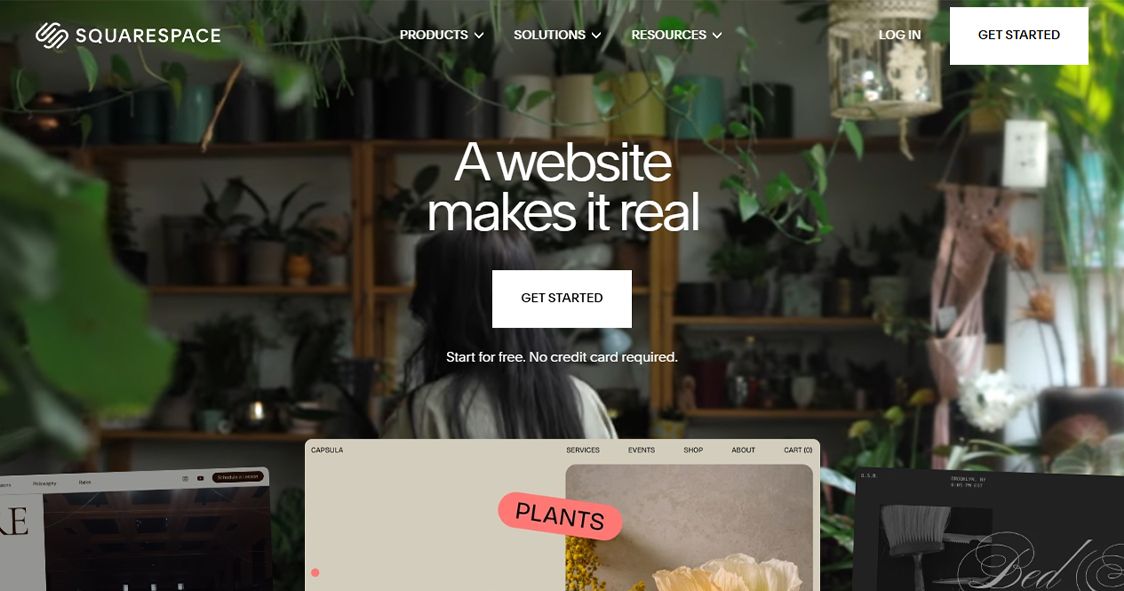
The Design-First CMS for Creatives and Professionals
🏆 Best For: Photographers, designers, restaurants, small agencies, and businesses who prioritize beautiful design.
Overview
Squarespace has earned its reputation for stunning templates and a polished editing experience. Where Wix gives you total layout freedom, Squarespace gives you curated, professionally designed templates where everything just looks right. Version 7.1 brought a more flexible design system, and the platform has continued to mature its eCommerce and blogging capabilities.
Key Features
- Less SEO flexibility compared to WordPress or Webflow
- App/extension ecosystem is small
- Customization is limited compared to open-source options
- No free plan
✅ Pros
- Award-winning templates designed for visual impact
- Fluid Engine drag-and-drop editor
- Built-in blogging with scheduling and categories
- Squarespace Commerce for product selling
- Email campaigns built into the platform
- Built-in analytics dashboard
❌ Cons
- Most visually polished templates of any website builder
- All-in-one (hosting, SSL, domain)
- Good blogging and content tools
- Reliable customer support
Pricing
💰 Personal: $16/month
💰 Business: $23/month
💰 Basic Commerce: $28/month
💰 Advanced Commerce: $52/month
Our Verdict
👉 Squarespace is the best choice for creatives and professionals who want a beautiful, low-maintenance website. Not ideal for content-heavy SEO strategies or complex web applications.
6. Joomla
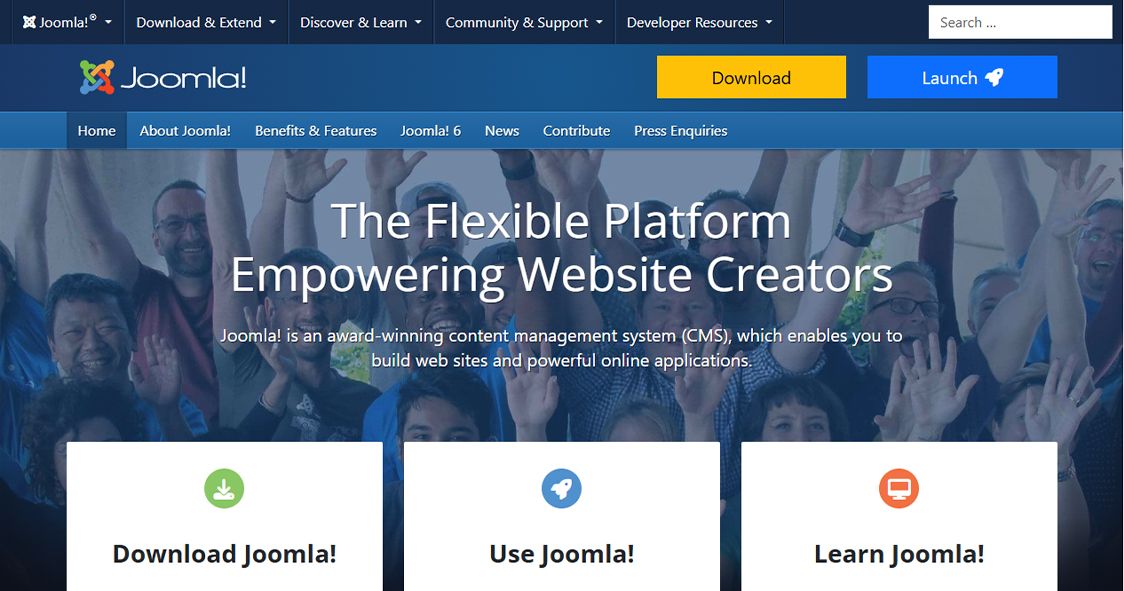
The Flexible Open-Source CMS for Community Sites
🏆 Best For: Developers building community portals, government websites, and multilingual platforms.
Overview
Joomla sits in an interesting middle ground — more powerful than WordPress out of the box, but less extensible in terms of community ecosystem. It has excellent built-in multilingual support (70+ languages natively), strong user management with multiple access levels, and a flexible content architecture. It's particularly well suited for community portals and membership sites that need complex user roles.
Key Features
- Steeper learning curve than WordPress or Wix
- Smaller developer ecosystem and fewer quality extensions
- Template system is less intuitive than competitors
- Declining market share — harder to find Joomla specialists
✅ Pros
- Built-in multilingual support for 70+ languages
- Advanced user management with granular access control
- Flexible content types — articles, categories, custom fields
- Extensions directory with thousands of add-ons
- Joomla Security Strike Team for ongoing security patches
- REST API available for headless implementations
❌ Cons
- More built-in functionality than WordPress without plugins
- Excellent multilingual support
- Strong user access control system
- Active security team
Pricing
💰 Joomla CMS: Free (open-source)
💰 Hosting: $5 – $20/month
Our Verdict
👉 Joomla is a solid choice for developers building multilingual sites or community portals, but for most new projects, WordPress offers more community support and resources.
7. Drupal
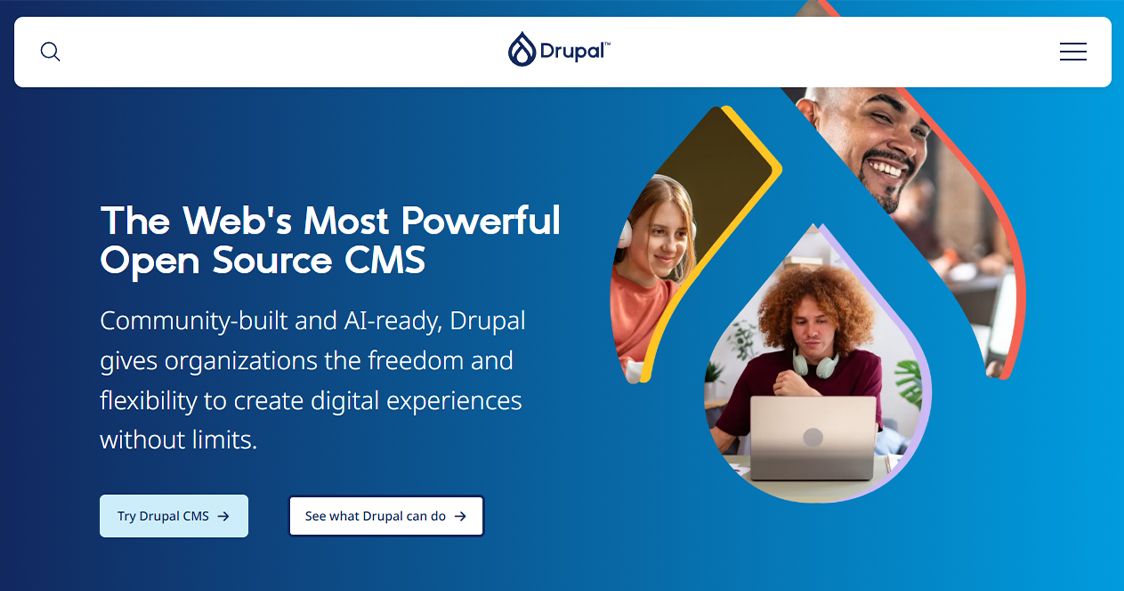
The Enterprise-Grade Open-Source CMS
🏆 Best For: Government agencies, universities, large enterprises, and developers building highly complex websites.
Overview
Drupal is where developers go when WordPress is not enough. It powers some of the world's most complex and high-traffic websites — government portals, major media organizations, university systems. The content architecture is deeply flexible, security is enterprise-grade, and it handles massive amounts of content and users without breaking a sweat. The tradeoff is significant developer expertise required.
Key Features
- Very steep learning curve — requires experienced Drupal developers
- More expensive to develop and maintain than WordPress
- Smaller ecosystem of ready-made solutions
- Overkill for small to medium websites
✅ Pros
- Highly flexible content architecture with custom content types
- Enterprise-level security with regular audit processes
- Built-in multilingual and translation workflows
- Advanced taxonomy and content organization
- Decoupled/headless Drupal for modern frontend frameworks
- Granular user roles and permissions
❌ Cons
- Most powerful content architecture of any open-source CMS
- Enterprise-grade security record
- Scales to massive content volumes and traffic
- Strong for complex workflows and governance
Pricing
💰 Drupal CMS: Free (open-source)
💰 Hosting + Development: Significant investment required
Our Verdict
👉 Drupal is the right choice when you're building a genuinely complex platform at scale. For standard business websites, the investment required rarely makes sense compared to alternatives.
8. Magento (Adobe Commerce)
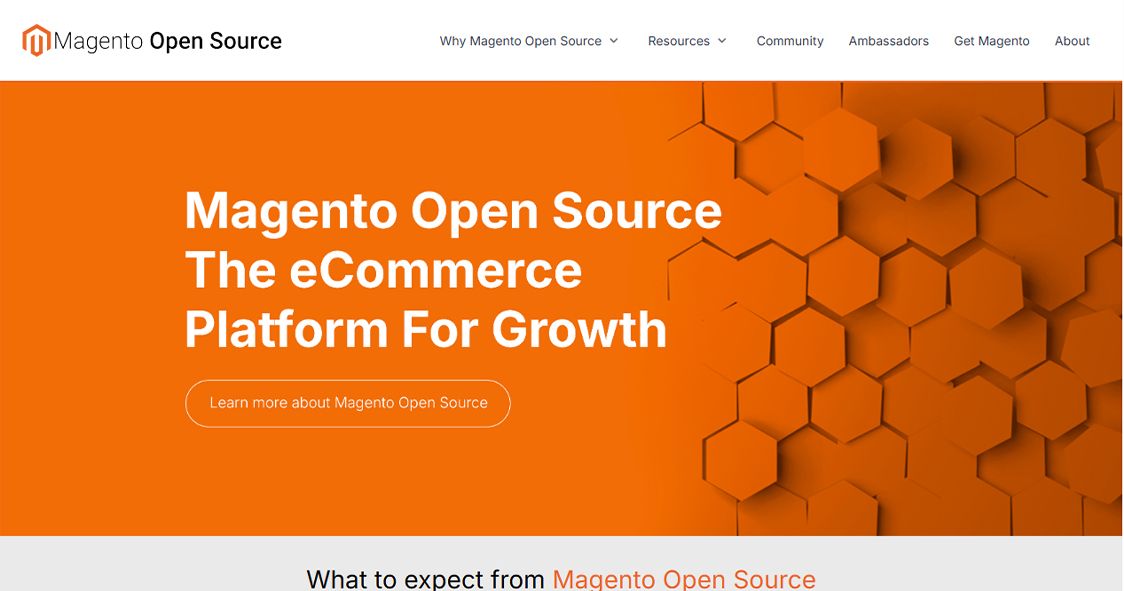
The Enterprise eCommerce CMS
🏆 Best For: Large retailers, enterprise brands, and B2B eCommerce operations with complex product catalogs.
Overview
Magento, now rebranded as Adobe Commerce, is the most powerful open-source eCommerce platform available. It handles complex product catalogs, multi-store setups, B2B pricing rules, and sophisticated promotional logic that Shopify simply cannot match. The open-source Magento 2 version is free, while Adobe Commerce adds enterprise features like cloud hosting, B2B modules, and AI-driven merchandising.
Key Features
- Expensive to develop, host, and maintain
- Requires significant developer expertise
- High server resource requirements
- Not suitable for small businesses
✅ Pros
- Unlimited product variations and complex catalog management
- Multi-store and multi-currency out of the box
- Advanced B2B features in Adobe Commerce
- Highly customizable checkout and payment flows
- Strong REST and GraphQL APIs
- PWA Studio for Progressive Web App frontends
❌ Cons
- Most flexible eCommerce platform for complex requirements
- Handles enormous product catalogs at scale
- Deep customization capability
- Large developer community
Pricing
💰 Magento Open Source: Free
💰 Adobe Commerce: Custom pricing (significant investment)
💰 Hosting: $500+/month for production environments
Our Verdict
👉 Magento is for serious eCommerce operations that have outgrown Shopify or WooCommerce. If you're running a large catalog with complex pricing rules, this is your platform.
9. Webflow
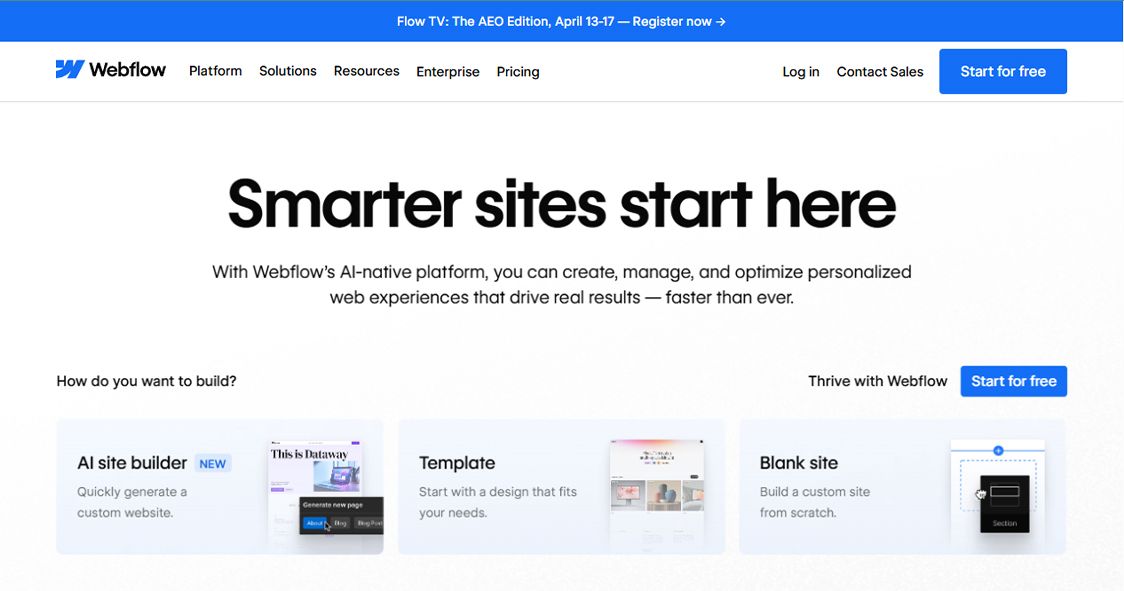
The Visual Development CMS for Designers
🏆 Best For: Web designers, design agencies, and marketing teams who want full design control without writing CSS.
Overview
Webflow occupies a unique position in the CMS landscape. It's not a simple drag-and-drop builder — it's a visual implementation of HTML, CSS, and JavaScript. Designers interact with a visual canvas, but Webflow generates clean, semantic code underneath. The CMS layer lets you create content collections (think custom post types) and bind them to design elements dynamically.
Key Features
- Learning curve is steep for non-designers
- Pricing climbs quickly for CMS + hosting
- Not ideal for complex web applications (use Bubble for that)
- Limited eCommerce compared to Shopify
✅ Pros
- Visual CSS/HTML editor — design in the browser, get clean code
- CMS Collections for structured, repeatable content
- Webflow Interactions for scroll animations and micro-interactions
- Built-in hosting on a global CDN
- Webflow Logic for basic form automations
- Finsweet Client-First methodology support
❌ Cons
- Cleanest code output of any visual builder
- Full design freedom — pixel-perfect layouts
- Good SEO foundations (clean HTML, fast CDN)
- Designer-friendly CMS without sacrificing quality
Pricing
💰 Starter: Free (Webflow subdomain)
💰 Basic: $14/month
💰 CMS: $23/month
💰 Business: $39/month
💰 Enterprise: Custom
Our Verdict
👉 Webflow is the best CMS for designers who want full creative control with professional-grade output. If design quality and performance are your top priorities, it's hard to beat.
10. PrestaShop
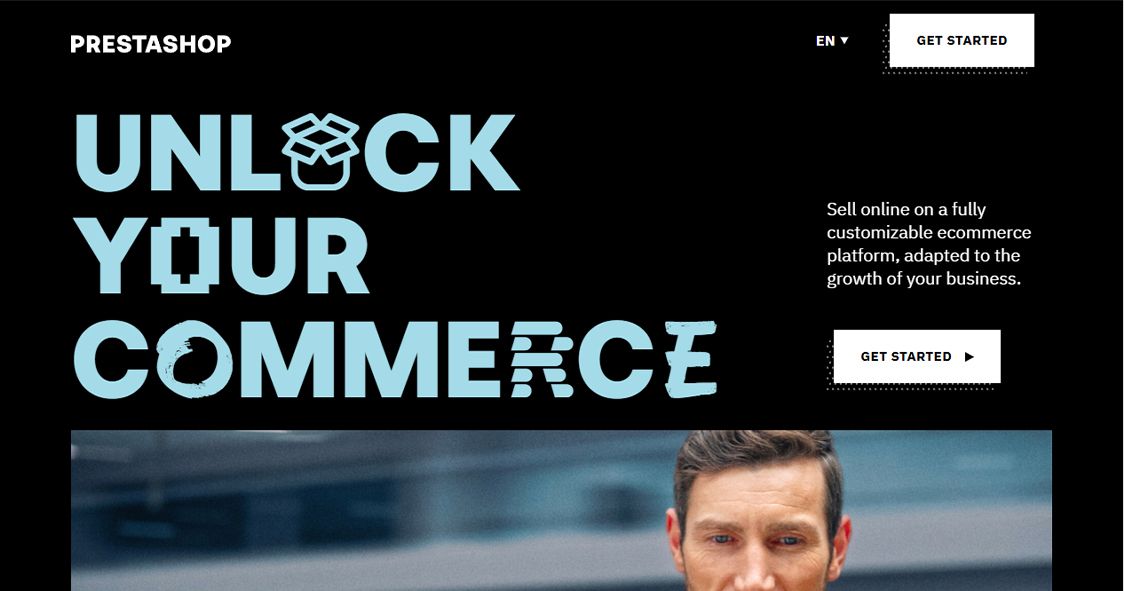
The Open-Source eCommerce CMS for Mid-Size Stores
🏆 Best For: Small to mid-size eCommerce businesses looking for a free, customizable alternative to Shopify.
Overview
PrestaShop is a popular open-source eCommerce platform particularly strong in Europe and Latin America. It's free to download and self-host, with an active marketplace of modules and themes. It handles product management, multi-currency, and promotions well, making it a solid Shopify alternative for store owners who want more control over their hosting costs.
Key Features
- Many essential features require paid modules
- Technical setup required — not beginner-friendly
- Performance optimization requires developer knowledge
- Support is community-based unless you pay for premium
✅ Pros
- Free open-source eCommerce platform
- 3,000+ modules in the official marketplace
- Multi-language and multi-currency support
- Native product comparison and wishlist features
- Advanced promotion and discount rule engine
- REST API for headless implementations
❌ Cons
- No monthly platform fees — pay only for hosting
- Strong multilingual and multi-currency support
- Active community and module ecosystem
- More flexible than Shopify for custom workflows
Pricing
💰 PrestaShop software: Free
💰 Hosting: $10 – $40/month
💰 Paid modules: $50 – $300+ each
Our Verdict
👉 PrestaShop is a strong choice for mid-size eCommerce businesses that want control over their hosting costs and don't want to pay Shopify's ongoing fees.
11. OpenCart
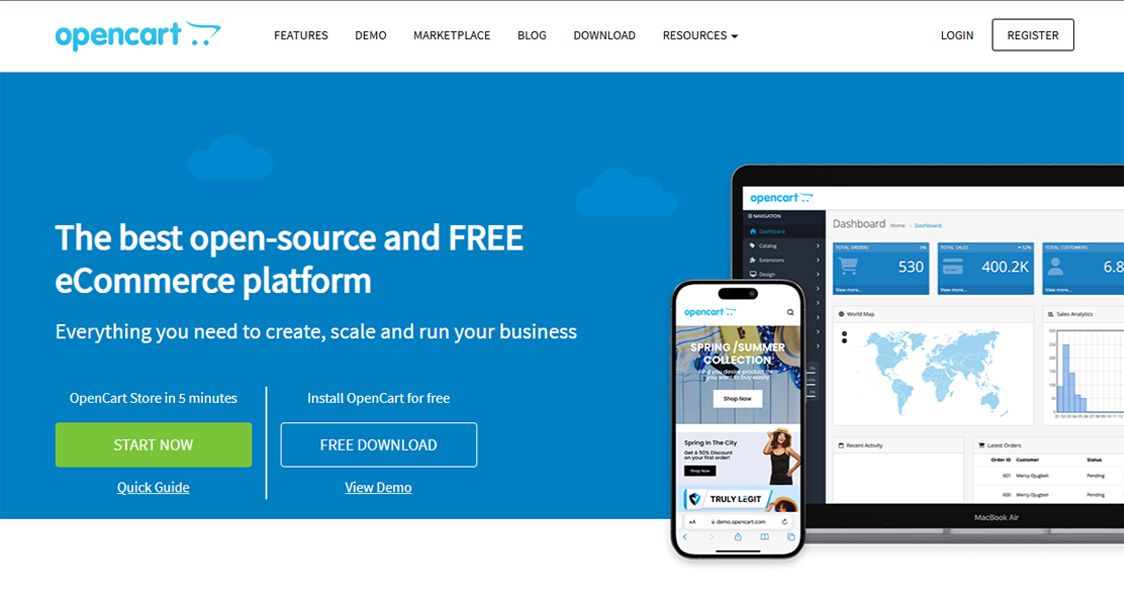
Lightweight Open-Source eCommerce CMS
🏆 Best For: Small online stores and developers building simple, lightweight eCommerce sites.
Overview
OpenCart is one of the most lightweight eCommerce CMS platforms available. It's free, easy to install, and has a clean admin interface that non-technical merchants can manage. It won't handle the complexity of Magento, but for a straightforward product catalog with standard shopping cart functionality, it gets the job done without the overhead.
Key Features
- Not suitable for large catalogs or complex eCommerce requirements
- Extension quality varies significantly
- Performance degrades with too many extensions
- Smaller developer community than Magento or WooCommerce
✅ Pros
- Simple, clean admin panel — very user-friendly
- 13,000+ modules and themes in the extension marketplace
- Multi-store management from a single installation
- Built-in affiliate program functionality
- Multi-currency and multi-language support
- Lightweight — low server resource requirements
❌ Cons
- Very easy to install and get started
- Low server requirements = affordable hosting
- Clean admin interface for non-technical merchants
- Good for simple stores without complex requirements
Pricing
💰 OpenCart software: Free
💰 Hosting: $5 – $20/month
💰 Extensions: Free to $200+
Our Verdict
👉 OpenCart is a good choice for small, straightforward online stores. If your product range is simple and your requirements are standard, it's an efficient and affordable option.
12. Square Online (Weebly)
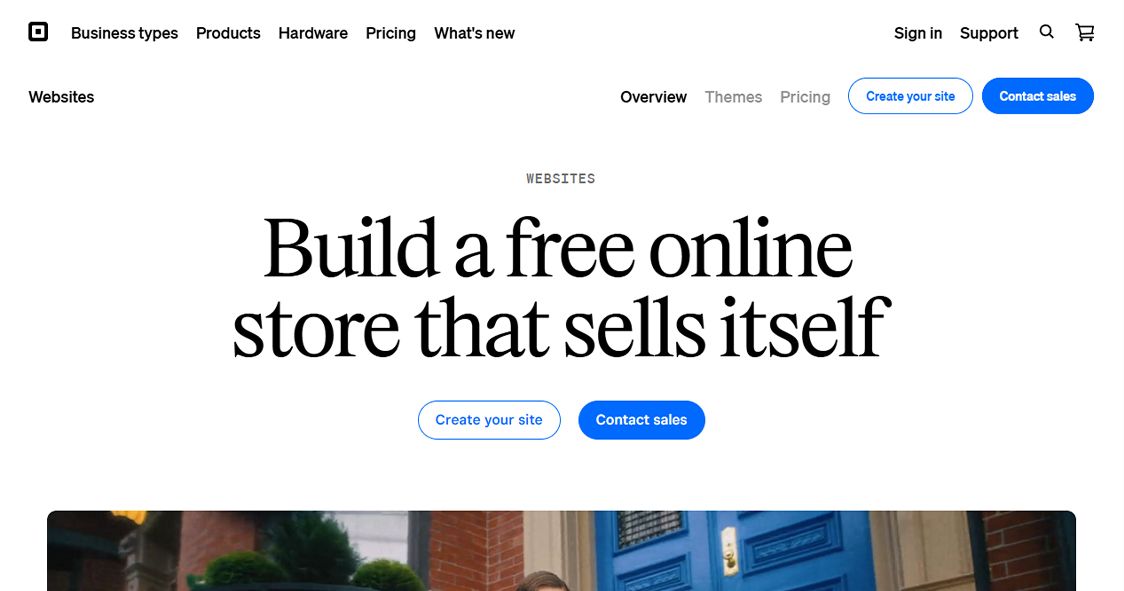
The eCommerce CMS for Local and Small Businesses
🏆 Best For: Brick-and-mortar businesses, restaurants, and service providers transitioning to online sales.
Overview
Square Online (formerly Weebly) is best understood as an online commerce platform for businesses that already use Square's payment ecosystem. It's particularly popular with restaurants (online ordering), service businesses (appointment booking), and local retailers who want an online presence that connects to their Square POS. The website builder is basic but functional.
Key Features
- Very limited design customization
- Basic CMS capabilities — not suitable for content-heavy sites
- Limited outside the Square ecosystem
- Less polished than Wix or Squarespace
✅ Pros
- Seamless Square POS integration
- Built-in online ordering for restaurants
- Appointment booking for service businesses
- Drag-and-drop page builder
- Free plan available
- Inventory syncs between online and in-store
❌ Cons
- Best-in-class integration with Square POS
- Free plan is genuinely usable for simple sites
- Great for local businesses with existing Square accounts
- Easy online ordering setup for food businesses
Pricing
💰 Free: Square branding, transaction fees
💰 Plus: $29/month
💰 Premium: $79/month
Our Verdict
👉 Square Online is the right choice specifically for local businesses and restaurants already using Square. Don't use it if you're not in the Square ecosystem.
13. TYPO3
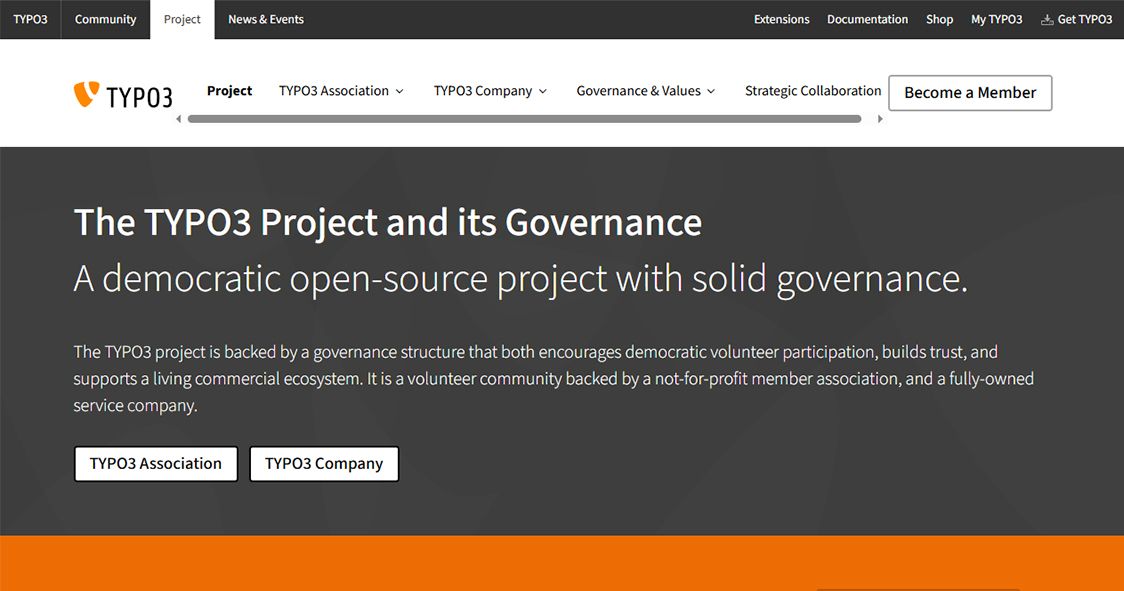
The Enterprise CMS Built for European Markets
🏆 Best For: Large enterprises, government institutions, and multinational organizations, particularly in Europe.
Overview
TYPO3 is a powerful enterprise CMS that's hugely popular in Germany, Austria, and Switzerland — and used by major European institutions. It's open-source, highly scalable, and built for serious content governance with multilingual support, complex user workflows, and a dedicated community of enterprise developers. It's not for beginners, but for the right use case, it's excellent.
Key Features
- Very steep learning curve
- Limited awareness and community outside Europe
- Requires experienced TYPO3 developers
- Setup and configuration is complex
✅ Pros
- Enterprise-grade multilingual and localization support
- Advanced content versioning and workflow management
- Highly scalable — handles massive content volumes
- Strong access control and governance features
- Large extension repository
- Active European developer community
❌ Cons
- Exceptional multilingual capabilities
- Enterprise governance and versioning built in
- Reliable and mature — been around since 1997
- Strong European community support
Pricing
💰 TYPO3 software: Free
💰 Hosting + Development: Enterprise investment required
Our Verdict
👉 TYPO3 is ideal for European enterprises that need a mature, governance-focused CMS with excellent multilingual support. Not recommended outside enterprise contexts.
14. HubSpot CMS Hub
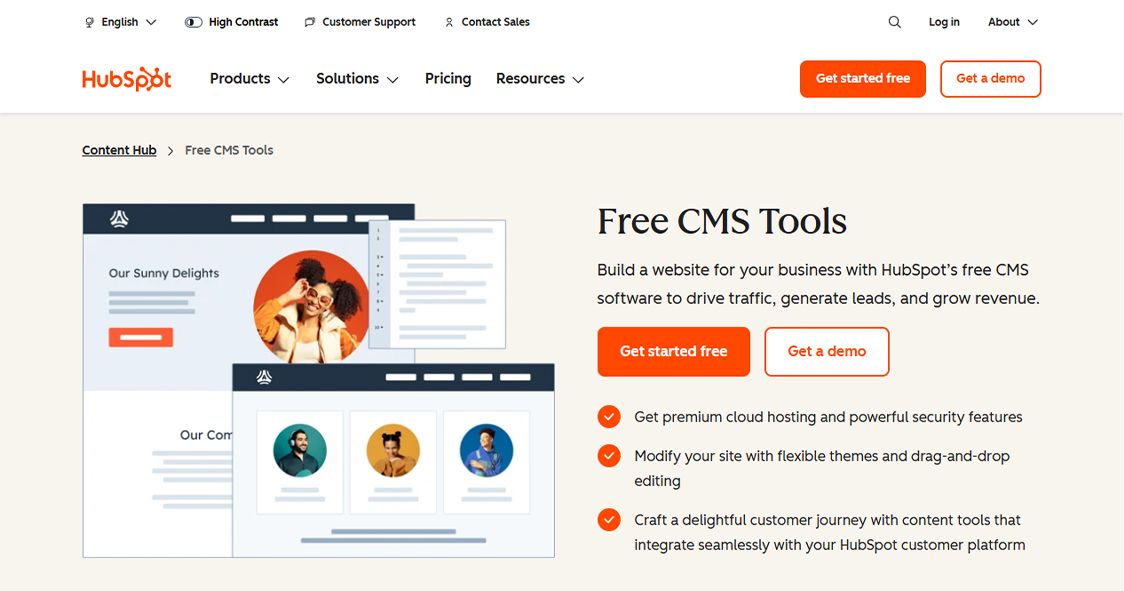
The Marketing-First CMS with Built-In CRM
🏆 Best For: Marketing teams, SaaS companies, and businesses running inbound marketing strategies.
Overview
HubSpot CMS Hub is not just a content management system — it's a CMS deeply integrated with a CRM, marketing automation, lead capture, and analytics platform. For marketing teams running HubSpot already, the CMS is a natural extension. You can personalize content based on who's viewing it, track every visitor interaction, and run A/B tests directly from the platform.
Key Features
- Expensive compared to alternatives for just a CMS
- Less flexible for developers than WordPress or Drupal
- Locked into the HubSpot ecosystem
- Blogging and content features are average
✅ Pros
- Deep integration with HubSpot CRM and Marketing Hub
- Smart content — personalize pages based on visitor data
- Built-in A/B testing for landing pages
- Drag-and-drop page editor
- SEO recommendations built into the content editor
- CDN hosting included
❌ Cons
- Best CMS for inbound marketing teams already using HubSpot
- CRM data flows directly into content personalization
- No need for third-party analytics integrations
- Good developer tools with HubL templating
Pricing
💰 Free: Basic CMS features
💰 Starter: $25/month
💰 Professional: $450/month
💰 Enterprise: $1,200/month
Our Verdict
👉 HubSpot CMS Hub makes the most sense if you're already invested in the HubSpot ecosystem. The CRM integration is genuinely powerful for marketing-driven websites.
15. BigCommerce
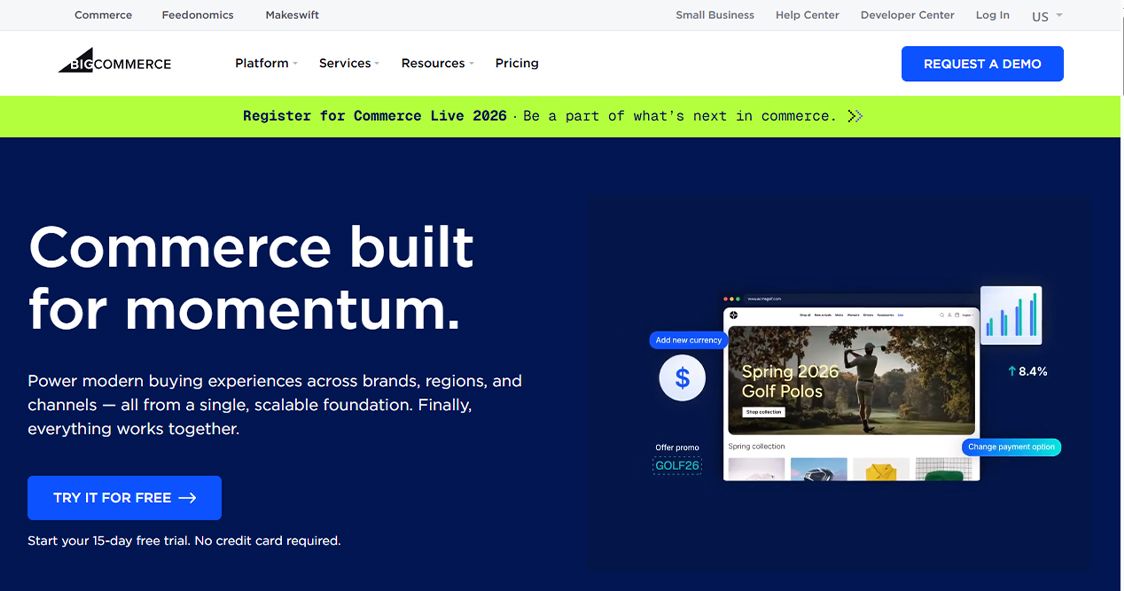
The Scalable Hosted eCommerce CMS
🏆 Best For: Fast-growing eCommerce businesses that are outgrowing Shopify and need more built-in features.
Overview
BigCommerce positions itself as the enterprise alternative to Shopify with a key differentiator: far more built-in features and no transaction fees at any plan level. Things that cost extra on Shopify — multi-currency, professional reporting, faceted search — are included by default. It's slightly more complex to set up but rewards that investment with lower total cost of ownership as you scale.
Key Features
- Annual sales thresholds force plan upgrades
- Smaller app store than Shopify
- Slightly steeper learning curve than Shopify
- Template ecosystem not as polished as Shopify
✅ Pros
- No transaction fees on any plan
- Multi-currency and multi-language built in
- Faceted search and advanced filtering included
- Headless commerce via API for custom frontends
- Google Shopping, Meta, Amazon channel integrations
- Professional reporting at all plan levels
❌ Cons
- More built-in features than Shopify at comparable pricing
- No transaction fees (ever)
- Better for B2B with native wholesale features
- Strong headless commerce API
Pricing
💰 Standard: $39/month
💰 Plus: $105/month
💰 Pro: $399/month
💰 Enterprise: Custom
Our Verdict
👉 BigCommerce is an excellent Shopify alternative for scaling eCommerce businesses that want more features without paying transaction fees. Particularly strong for B2B and multi-channel retail.
16. Shopware
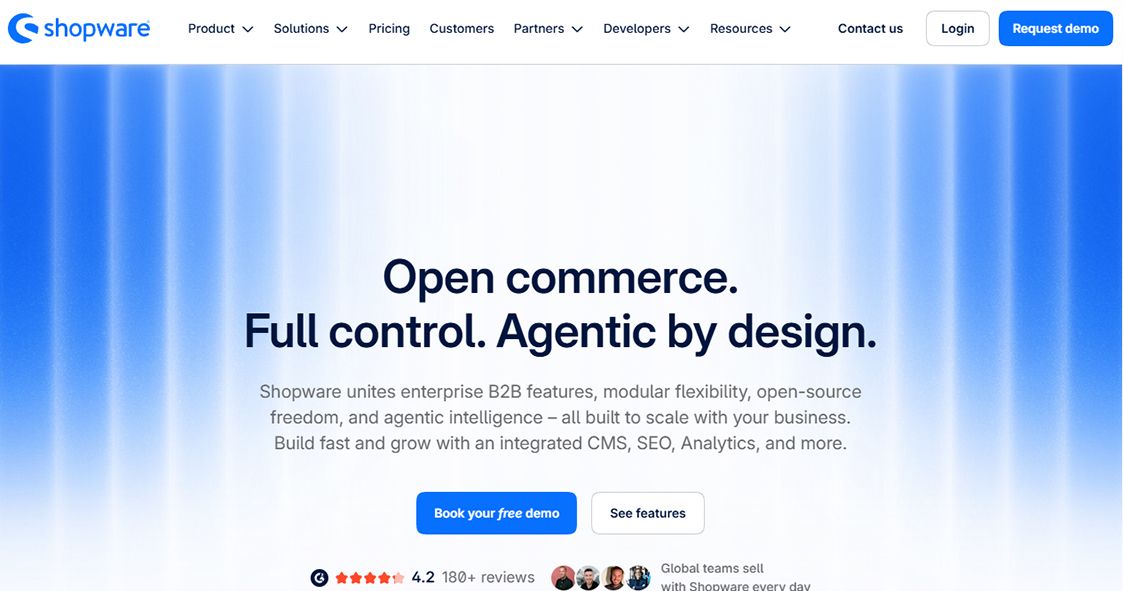
The Modern Open-Source B2B eCommerce CMS
🏆 Best For: European B2B merchants, mid-size retailers, and brands wanting a flexible open-source eCommerce solution.
Overview
Shopware is a German eCommerce platform that has grown significantly in international reputation. It offers both an open-source Community Edition and a commercial version. Shopware 6 was a complete architectural rewrite built on modern PHP (Symfony), making it a genuinely developer-friendly platform with strong API coverage and a solid shopping experience builder.
Key Features
- Less known outside European markets
- Community Edition has limited support
- Smaller developer pool than Shopify or Magento
- Extension quality varies
✅ Pros
- Shopping Experiences (CMS) builder for rich content pages
- B2B features built in — quote management, customer groups, custom pricing
- Open API with REST and GraphQL support
- Rule-based engine for complex promotions and pricing
- PWA storefront for headless deployments
- Strong European market integrations
❌ Cons
- Modern, clean architecture compared to Magento
- Excellent B2B functionality built in
- Active growing community
- Content and commerce unified in one platform
Pricing
💰 Community Edition: Free
💰 Rise: $600/month
💰 Evolve/Beyond: Custom
Our Verdict
👉 Shopware is worth considering if you're in Europe, running B2B commerce, or want a modern architecture that's easier to work with than Magento.
17. October CMS
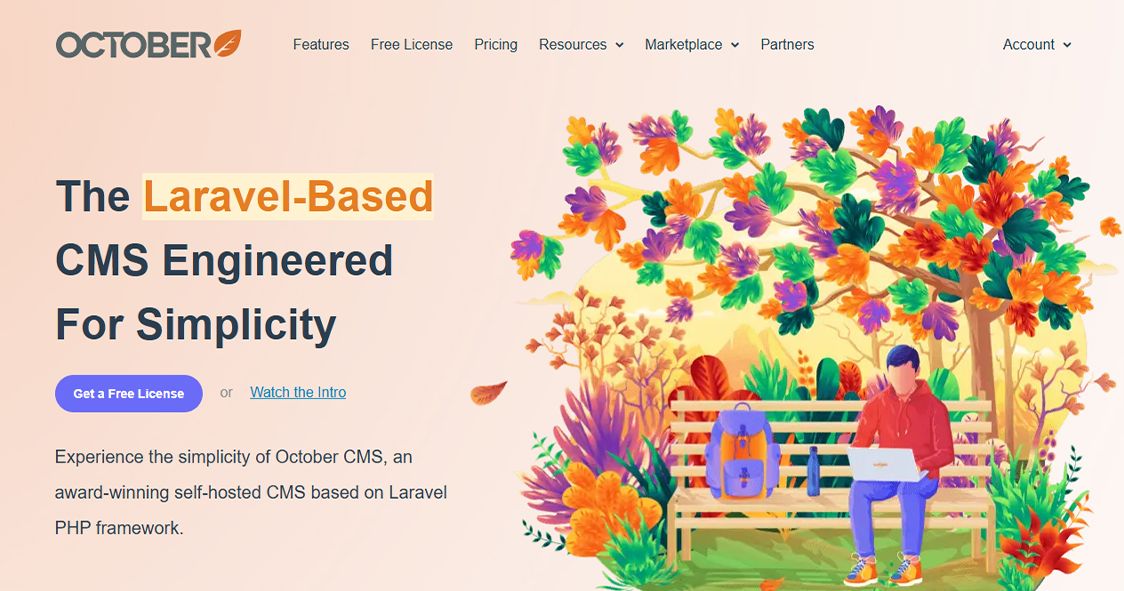
The Developer-First PHP CMS Built on Laravel
🏆 Best For: PHP developers who want a clean, modern CMS built on the Laravel framework.
Overview
October CMS is a refreshing option for developers who love Laravel but want a proper CMS layer on top. It's clean, well-documented, and gives developers complete control without the WordPress bloat. The plugin system is tidy, the templating language is intuitive, and the admin panel is minimal and fast. It's not for non-technical users, but developers love working with it.
Key Features
- Not suitable for non-technical users at all
- Small community compared to WordPress
- Limited marketplace of ready-made plugins
- Less SEO-optimized out of the box
✅ Pros
- Built on Laravel framework — familiar for PHP developers
- Twig-based templating language
- Plugin system built on Laravel packages
- Media Manager for file uploads
- Multi-site support
- RainLab plugins for users, pages, and blog functionality
❌ Cons
- Clean, modern codebase compared to WordPress
- Laravel-native — excellent for PHP developer teams
- Minimal admin panel — fast and focused
- Great documentation
Pricing
💰 October CMS: Free (open-source)
💰 Hosting: Standard PHP hosting costs
Our Verdict
👉 October CMS is a joy to work with for Laravel developers. If your team is PHP-native and you want a CMS that respects good code, this is worth trying.
18. Sanity
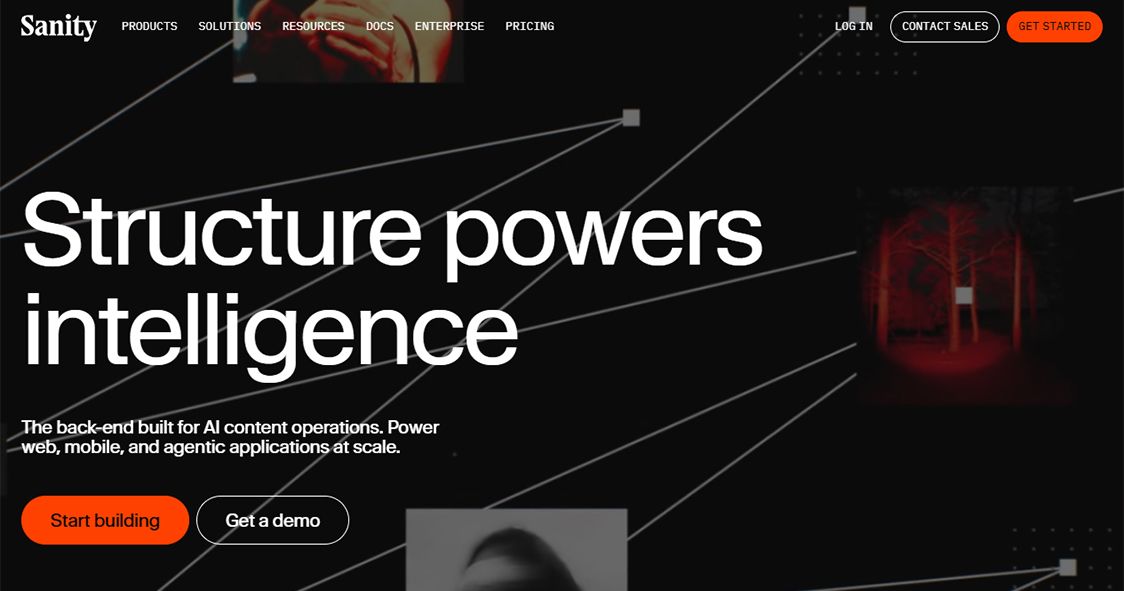
The Real-Time Headless CMS for Structured Content
🏆 Best For: Development teams building complex content-driven applications with custom content models.
Overview
Sanity is a headless CMS that takes a genuinely different approach to content modeling. Your content schema is defined in code (JavaScript), giving developers complete control over every field, relationship, and validation rule. The Sanity Studio is a customizable React-based editing interface. The real-time collaboration features are excellent, and the GROQ query language is powerful for complex content queries.
Key Features
- Requires developer setup and maintenance
- GROQ is powerful but has a learning curve
- Pricing escalates at higher content volumes
- Non-technical editors need onboarding
✅ Pros
- Code-defined content schema for maximum flexibility
- GROQ query language for powerful content retrieval
- Real-time collaboration in Sanity Studio
- Portable Text for rich text with custom block types
- CDN-delivered content API with excellent performance
- Open-source Studio — fully customizable editor
❌ Cons
- Most flexible content modeling of any headless CMS
- Real-time collaboration built in
- Developer experience is excellent
- Strong performance at scale
Pricing
💰 Free: 3 users, 2 datasets
💰 Growth: $15/month per project
💰 Enterprise: Custom
Our Verdict
👉 Sanity is the headless CMS for development teams who take content modeling seriously. The flexibility is unmatched — just make sure you have the developer resources to leverage it.
19. Strapi
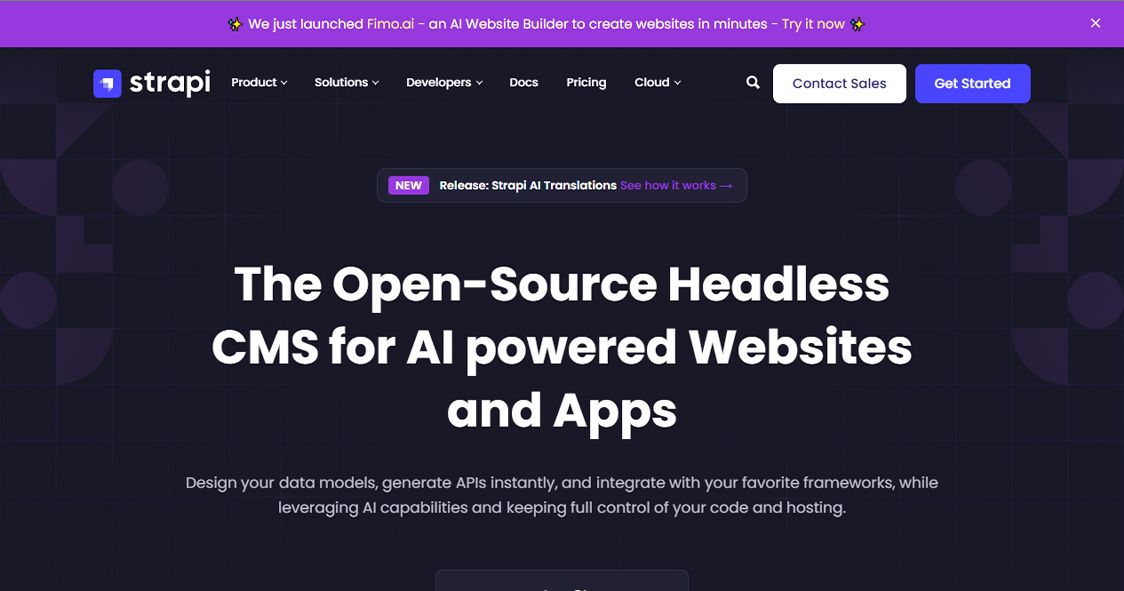
The Leading Open-Source Headless CMS
🏆 Best For: Developers building API-first web applications and teams wanting full control over their CMS infrastructure.
Overview
Strapi is the most popular open-source headless CMS in the world, and it's what Digitano uses as the backend layer for its web platform builds. It's API-first, self-hostable, and completely open-source — meaning you own your data and your infrastructure.
The content builder lets you create any content type you need through a visual interface. Every content type automatically gets REST and GraphQL endpoints. User roles and permissions are granular and well-designed. Strapi 5 (released in 2024) brought a complete rewrite with significantly improved performance and a new Document Service API.
Key Features
- Requires developer setup
- No built-in frontend — you bring your own
- Cloud hosting pricing can add up
- Non-technical users need training
✅ Pros
- Visual content type builder — no code required for schema definition
- Auto-generated REST and GraphQL APIs
- Role-based access control
- Plugin system for extending functionality
- Self-hosted — your data stays yours
- Strapi Cloud for managed hosting
- Support for PostgreSQL, MySQL, SQLite
❌ Cons
- Completely open-source and self-hostable
- Excellent developer experience
- Works with any frontend framework
- Strong community and documentation
Pricing
💰 Community (self-hosted): Free
💰 Essential (Cloud): $29/month
💰 Pro (Cloud): $99/month
💰 Enterprise: Custom
Our Verdict
👉 Strapi is our headless CMS of choice here at Digitano for exactly this reason: you own your content, your API, and your infrastructure. Combined with a Next.js frontend, it's one of the most powerful stacks available.
20. Storyblok
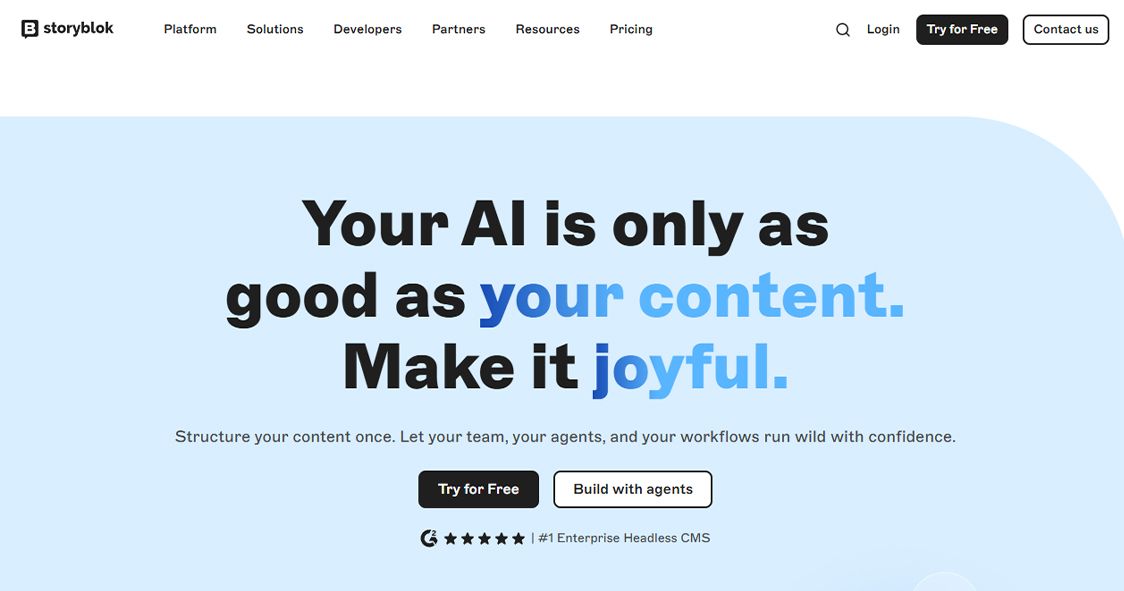
The Visual Headless CMS for Marketing Teams
🏆 Best For: Marketing teams that want the flexibility of a headless CMS with the ease of a visual editor.
Overview
Storyblok bridges an important gap in the headless CMS world: it gives developers API-first flexibility while giving marketers a genuinely intuitive visual editor with real-time preview. The component-based architecture (called 'Bloks') lets developers define reusable content components that marketers assemble visually on any page.
Key Features
- Roles and permissions lack granularity compared to Sanity
- Pricing escalates quickly for larger teams
- Less flexible for complex backend logic
- Learning curve for initial Blok setup
✅ Pros
- Visual editor with real-time preview for marketers
- Bloks — reusable content components defined by developers
- Flexible content schema with nested structures
- Multi-language content management
- REST and GraphQL API delivery
- Collaboration features and content scheduling
❌ Cons
- Best visual editing experience in the headless CMS category
- Marketers can manage content without developer involvement
- Component-based approach ensures design consistency
- Strong CDN performance
Pricing
💰 Community: Free (1 user)
💰 Entry: $23/month
💰 Team: $99/month
💰 Business: $349/month
💰 Enterprise: Custom
Our Verdict
👉 Storyblok is the best headless CMS if your marketing team needs to work independently from developers. The visual editor genuinely democratizes content management without sacrificing the API-first architecture.
How to Choose the Right CMS in 2026
Decision Guide: Match Your Use Case to Your Platform
For Beginners / Personal Sites
- Wix — easiest drag-and-drop, zero learning curve
- Squarespace — beautiful templates, low maintenance
- Square Online — if you need basic eCommerce fast
For Content-Heavy Websites & SEO-Focused Businesses
- WordPress — most flexible, best SEO ecosystem
- Digitano (digitanollc.com) — if you need production-grade performance and real SEO results
- HubSpot CMS — if you're an inbound marketing team
For eCommerce
- Shopify — best all-in-one eCommerce platform
- BigCommerce — when you need more features without transaction fees
- Magento / Adobe Commerce — enterprise-level complex catalogs
- PrestaShop / OpenCart — budget-conscious mid-size stores
- Shopware — B2B and European markets
For Developers / Technical Teams
- Strapi — best open-source headless CMS, self-hosted
- Sanity — best flexible content modeling
- Storyblok — headless with visual editing for marketing teams
- October CMS — Laravel developers
- Drupal — complex enterprise architecture
For Enterprise
- Drupal — complex governance, large content volumes
- TYPO3 — European enterprise, strong multilingual
- Magento / Adobe Commerce — enterprise eCommerce
- HubSpot Enterprise — marketing + CRM integration
Frequently Asked Questions (FAQS)
Q: What is the best CMS platform for a small business website in 2026?
A: For most small businesses, WordPress remains the best balance of flexibility, cost, and SEO capability. If you want something with zero technical setup, Wix or Squarespace are excellent hosted alternatives. For businesses that want professional-grade results without managing hosting themselves, Digitano offers a fully-managed custom CMS solution.
Q: Which CMS is best for SEO in 2026?
A: WordPress with a good SEO plugin (Yoast or Rank Math) gives you the most control over on-page SEO. Webflow also produces very clean, SEO-friendly code. For businesses that need the highest possible performance scores and structured metadata control, a custom Next.js + Strapi stack (as used by Digitano) delivers the best results.
Q: What is the difference between a traditional CMS and a headless CMS?
A: A traditional CMS manages both your content and how it's displayed (WordPress, Joomla, Drupal). A headless CMS manages only the content and delivers it via API — you choose your own frontend technology. Headless CMS platforms (Strapi, Sanity, Storyblok) offer more flexibility for modern web applications but require more technical setup.
Q: Is WordPress still the best CMS in 2026?
A: WordPress still leads with 62.7% CMS market share and remains the best all-purpose CMS for most use cases. However, for high-performance applications, headless CMS options like Strapi paired with Next.js frontends (as used by Digitano) are increasingly the better technical choice for businesses with serious SEO and performance goals.
Q: Which CMS platform is best for eCommerce in 2026?
A: Shopify is the easiest and most complete all-in-one eCommerce platform. BigCommerce is better for scaling stores that need more built-in features. Magento (Adobe Commerce) is for enterprise-level complex catalogs. WooCommerce (WordPress plugin) is the most flexible mid-range option.
Q: What is a headless CMS and do I need one?
A: A headless CMS delivers content via API to any frontend you choose. You need one if you're building a custom web application, delivering content across multiple platforms (web, mobile app, digital signage), or want complete freedom over your frontend technology. Strapi and Sanity are the top choices.
Q: Which CMS is best for a blog in 2026?
A: WordPress is still the gold standard for blogging — the Gutenberg editor, category system, and SEO plugin ecosystem are unmatched. Ghost is an excellent minimalist alternative for writers. Digitano also supports a full blog publishing system backed by Strapi CMS for businesses that want blogging as part of a wider content marketing strategy.
Q: What is the easiest CMS to use for beginners?
A: Wix is the easiest CMS to use — the drag-and-drop editor requires no technical knowledge and the Wix ADI can build a basic site for you automatically. Squarespace is also very beginner-friendly, particularly for creative professionals who want beautiful templates.
Q: Can I migrate from one CMS to another?
A: Yes, but migration complexity varies. Moving from WordPress to another platform requires exporting content, redirecting URLs, and potentially rebuilding templates. For complex migrations, working with an agency like Digitano ensures your SEO rankings and content are preserved correctly.
Q: What is Digitano and how is it different from other CMS platforms?
A: Digitano (digitanollc.com) is a digital agency platform that builds production-grade websites using a Next.js + Strapi stack. Unlike self-serve CMS builders, Digitano delivers custom-built web applications with enterprise-level SEO, performance optimization, and a managed CMS backend. It's designed for agencies and businesses that want professional results without managing the technical complexity themselves.
Final Thoughts
The best CMS platform is always the one that fits your specific situation. There is no single answer. A freelance photographer and a fast-growing eCommerce brand and a government institution all have completely different needs — and the right CMS for each of them is completely different.
What we can say with confidence in 2026 is this:
- If you want simplicity and speed — Wix or Squarespace
- If you want maximum flexibility and SEO control — WordPress
- If you want to sell products online — Shopify
- If you want a production-grade custom web presence — Digitano
- If you want headless API-first content management — Strapi or Sanity
- If you want visual headless editing for marketers — Storyblok
- If you're enterprise-level — Drupal, TYPO3, or Magento
Bookmark this page — we update it regularly as platforms release new features throughout 2026. And if you're ready to build something properly, reach out to the team at Digitano (digitanollc.com) — we'd love to talk about your project.