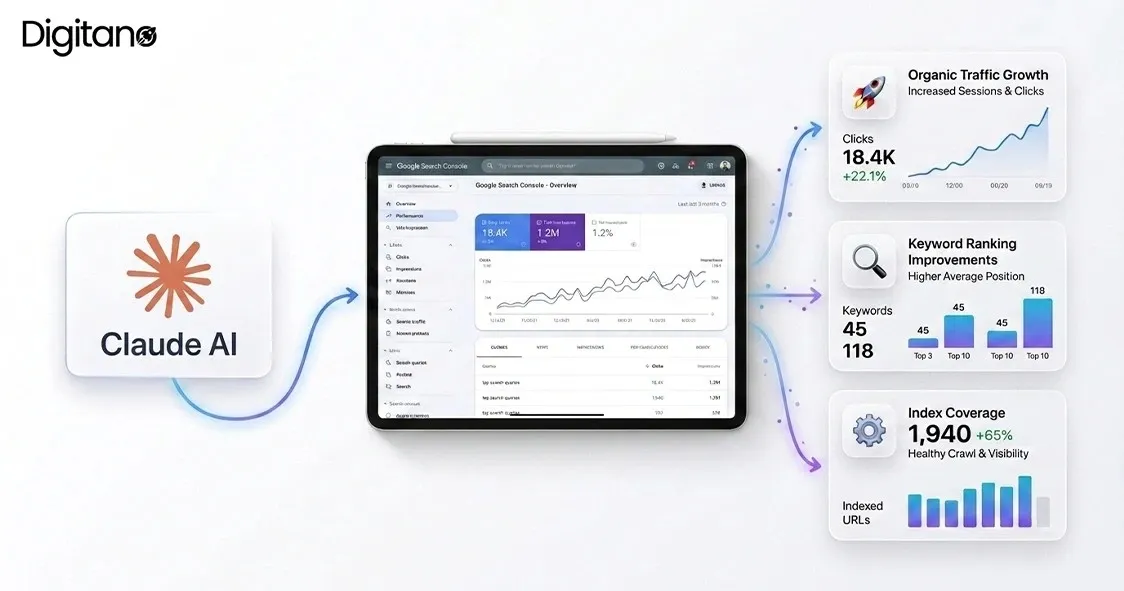
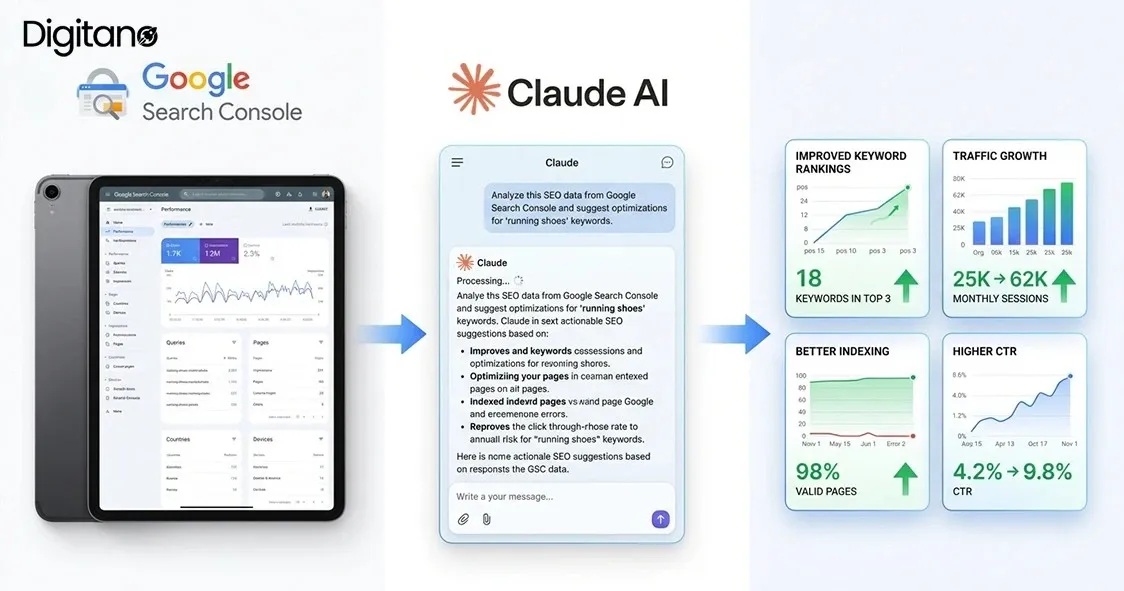
Most SEO teams sit on more data than they can meaningfully act on. A mid-sized website generates tens of thousands of query and page combinations in Google Search Console every month, and manually reviewing all of it is genuinely impossible. That gap between "data available" and "insight extracted" is exactly where Claude AI Google Search Console analysis has become one of the highest-leverage skills a modern SEO can develop. What used to take a senior SEO three to four hours can now take 90 seconds, and the output is often more thorough because Claude doesn't get bored halfway through a 400-row spreadsheet.
This guide walks through the specific ways Claude AI can analyze Google Search Console data in 2026, from finding striking-distance keywords to detecting content cannibalization, along with real prompts, practical workflow tips, and honest limitations SEO teams should know before over-relying on AI. If you'd rather have an experienced agency handle this analysis for you, our digital marketing services and PPC management services at Digitano LLC include this kind of AI-augmented SEO work as part of standard engagements.
Why Claude Is Uniquely Suited for GSC Analysis
Not all AI tools handle SEO data equally well. Claude has a few specific advantages that make it a strong fit for Search Console analysis specifically:
- Large context window (200K+ tokens). You can upload an entire year's worth of GSC data, a full Screaming Frog crawl export, or hundreds of thousands of query-page combinations and Claude processes it in a single session without truncation.
- Native CSV and data handling. GSC exports as CSV data, which Claude parses cleanly without needing custom formatting.
- MCP (Model Context Protocol) support. Since 2025, Claude can connect directly to Google Search Console via MCP connectors like Supermetrics, pulling live data rather than requiring manual exports each time.
- Claude Code for advanced workflows. For teams comfortable in a terminal environment, Claude Code goes beyond conversational analysis. It can pull GSC data through API integrations, run parallel analysis agents, generate reports, and save everything to files your team can act on, all in one session.
The Three Interfaces: Which One You Actually Need
Understanding the differences between Claude's interfaces matters for GSC analysis:
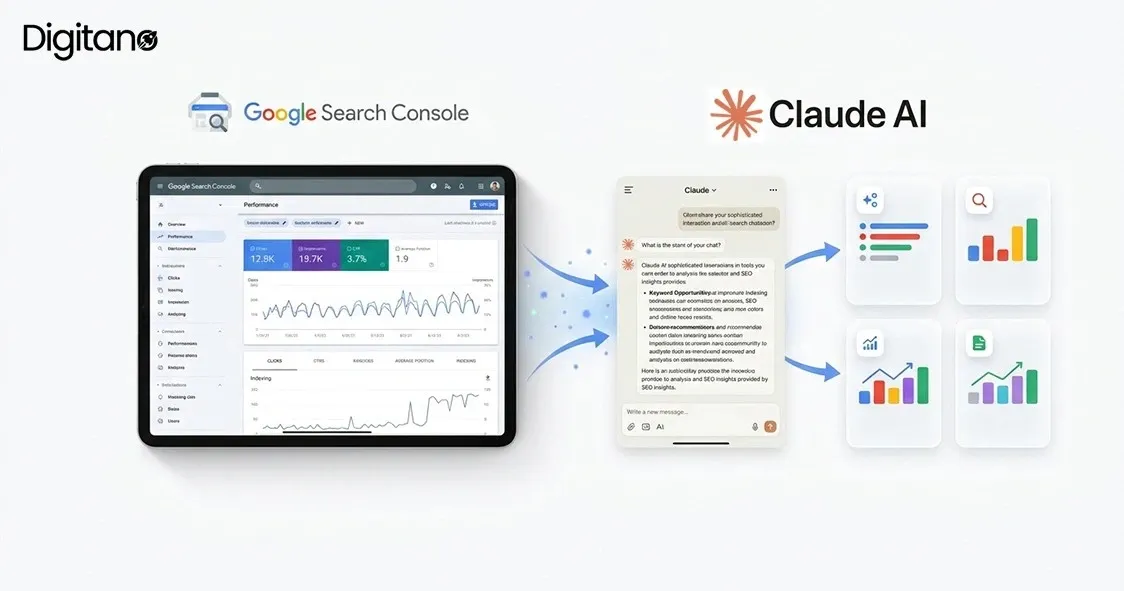
- Claude.ai (browser chat): The standard interface. Includes built-in web search and can generate reports and Artifacts. Cannot directly access GSC on its own; you'll need to export data manually and paste or upload the CSV.
- Claude Code (terminal): Anthropic's CLI tool. Can interact with files, folders, scripts, and connect to live APIs through MCP. This is the interface most SEO professionals now use for serious GSC analysis because it works with your actual data rather than requiring constant copy-paste.
- Claude via MCP connectors (Supermetrics, Semrush, etc.): Third-party integrations that connect Claude directly to GSC via managed services. Requires no terminal or coding skills; typically one-click setup. Most accessible option for non-technical SEO teams.
For occasional analysis, browser Claude with CSV uploads works fine. For weekly or client-scale analysis workflows, Claude Code or an MCP-connected setup is meaningfully more efficient.
What Claude AI Can Actually Do With GSC Data
Here are the specific analyses Claude handles well, with real prompt examples for each.
1. Striking-Distance Keyword Analysis
Striking-distance keywords are queries ranking positions 8 to 20 with significant impression volume. These are your easiest SEO wins because a modest optimization effort can push them onto page 1.
Real prompt example:
"Analyze this GSC export from the last 90 days. Show me queries where I rank between positions 8 and 20 with more than 500 impressions. Prioritize by potential click growth if the query moved to position 3, and note which page currently ranks for each query."
Claude will return a prioritized list with impression volume, current position, target page, and projected click uplift based on CTR-by-position benchmarks.
2. CTR Gap Analysis
Pages that rank well but underperform on click-through rate typically signal that the title tag or meta description isn't compelling enough for the query intent. This is one of the highest-ROI optimization opportunities in SEO because it doesn't require content changes.
Real prompt example:
"From this GSC data, identify pages ranking in positions 1-3 with click-through rates below 5%. For each, note the query, current position, current CTR, and estimated CTR benchmark for that position. Flag the pages where a CTR improvement would produce the largest absolute click gain."
For queries ranking #1 with unexpectedly low CTR, Claude will note that this often indicates SERP feature competition (featured snippets, knowledge panels, People Also Ask) and can recommend structured data or content format changes to win those features.
3. Keyword Cannibalization Detection
When multiple pages on your site compete for the same query, both often underperform. Manual detection across a large site is genuinely tedious; Claude handles it in seconds.
Real prompt example:
"Group this GSC export by query. Identify queries where more than one page from my site appears in the top 20 results. For each cannibalized query, note which page has the highest impressions, which has the highest clicks, and whether they're targeting the same intent or different intents based on the query language."
Claude will flag cases where two pages are genuinely competing for the same intent (consolidation candidates) versus cases where two pages target different aspects of a topic and both should remain.
4. Traffic Drop Diagnosis
When clicks or impressions drop suddenly, isolating which pages and queries drove the decline is essential for diagnosing the cause. Was it an algorithm update? A specific page losing rankings? A category-wide shift?
Real prompt example:
"Compare this GSC data for the last 30 days against the previous 30 days. Show me the top 10 pages with the largest absolute click drops. For each, note whether the impression change matches the click change (which suggests ranking or SERP feature loss), or whether impressions stayed steady while clicks fell (which suggests CTR issues, likely from a competing SERP feature)."
This kind of diagnosis, done manually, can take an SEO team a full workday. Claude does it in under a minute.
5. Content Refresh Prioritization
Not all content needs refreshing. Claude can identify pages that are declining in performance but still have meaningful impressions, making them worth updating rather than rewriting or deprecating.
Real prompt example:
"From this GSC data, identify pages published more than 6 months ago that are still getting more than 200 impressions per week but showing declining click trends. Prioritize by the ratio of impressions to clicks and note the top 3 queries driving impressions to each page."
The output helps you focus content refresh effort on pages that have real search demand but underperform, which is meaningfully different from just refreshing your oldest pages.
6. Non-Indexed Page Pattern Detection
Search Console's Pages report shows which URLs Google hasn't indexed and why. For sites with thousands of pages, manually reviewing this is impractical.
Real prompt example:
"Group these non-indexed URLs by their exclusion reason (Discovered - currently not indexed, Crawled - currently not indexed, Duplicate without user-selected canonical, etc.). Identify any URL pattern that shows up disproportionately in each category. Flag which patterns likely represent an intentional exclusion (like tag pages) versus an unintended indexation problem."
Claude will catch template-level indexation issues that a manual review of individual URLs would miss.
7. Search Generative AI Performance Report Analysis
Launched by Google on June 3, 2026, the Search Generative AI Performance Report tracks impressions from AI Overviews and AI Mode separately from traditional organic results. Claude is particularly useful for cross-referencing which pages earn AI impressions versus which don't, revealing which content Google's AI systems trust as citable sources.
Real prompt example:
"Cross-reference this Search Generative AI Performance export with my standard GSC Performance export. Identify pages that appear in AI features but not in traditional top rankings, and pages that rank well traditionally but don't appear in the AI report. For the second group, identify possible reasons based on content structure, schema markup, and query patterns."
Practical Workflow: A Weekly GSC Analysis With Claude
Rather than trying to analyze everything, most SEO teams benefit from a consistent weekly rhythm:
- Monday (30 minutes): Compare last 7 days against previous 7 days across the Performance and Search Generative AI reports. Note significant movements up or down.
- Wednesday (30 minutes): Run a striking-distance keyword analysis on your top 20 category pages to identify optimization opportunities.
- Friday (30 minutes): CTR gap analysis on pages ranking positions 1-5 with below-average CTR. Prioritize title and meta description testing for the highest-impact pages.
Monthly, add a deeper analysis of internal linking, indexation patterns, and cannibalization detection. Quarterly, run 16-month trend analyses across the full data set.
Honest Limitations of Claude for SEO Analysis
Being upfront about what Claude does and doesn't do well matters more than pretending it's magic:
- Claude analyzes; you strategize. Claude excels at pattern detection and data processing. Strategic prioritization, understanding your business context, and deciding which insights matter still require an experienced SEO.
- GSC data has known delays and anomalies. Google notes that GSC data can be delayed by a couple of days and shouldn't be treated as real-time. Google also disclosed an April 3, 2026 anomaly indicating a logging error had been affecting impression reporting from May 13, 2025 onward, while clicks remained accurate. This is exactly why AI-assisted analysis still needs human oversight.
- AI recommendations need verification. Claude's technical SEO recommendations are generally reliable but not infallible. Cross-reference recommendations against Google's official documentation before implementing anything meaningful.
- Newer models can regress on standard SEO tasks. Search Engine Land's benchmarking has found that some newer flagship AI models optimized for deep reasoning have shown accuracy drops on standard SEO tasks compared to previous versions. Testing which Claude model version works best for your specific analysis type is worth doing.
- Don't ask Claude to just "optimize for a keyword." This produces keyword-stuffed output that reads as spam signals. Frame prompts around user intent: "Make this page the best possible answer for someone searching X" produces meaningfully better results than "optimize for X."
- Privacy matters when uploading data. GSC exports contain your site's actual performance data. Anonymize or filter as needed before uploading to any AI tool if data governance requires it.
Common Mistakes SEO Teams Make With Claude
Based on patterns from independent 2026 reviews and case studies:
- Uploading data without a clear question. "Analyze this GSC data" produces vague output. "Show me queries where I rank positions 8-20 with high impressions" produces actionable insights.
- Trusting AI-generated correlations without verifying causation. A pattern that looks meaningful may be coincidence, or may reflect something Claude can't see (a competitor's action, a Google algorithm update, an internal site change).
- Skipping the human review step. AI analysis output is a starting point, not a final report. Every insight worth acting on needs validation against your knowledge of the site and industry.
- Using Claude for the final draft. Claude is excellent for structure, analysis, and outlines. It's less good for producing final-draft content that reads with genuine expertise. Best workflow: Claude generates the structure and data, you supply the expertise and originality.
- Ignoring the different Claude versions. Different tasks perform better on different model versions. For deep analysis, running the same prompt across two model versions can be a useful sanity check.
Frequently Asked Questions
Q1: How do I connect Claude AI directly to Google Search Console?
Three paths are available in 2026: manually export GSC data as CSV and upload to Claude.ai, use Claude Code with a Google API service account for programmatic access, or use a third-party MCP connector like Supermetrics for one-click integration without technical setup. Choice depends on your technical comfort and analysis volume.
Q2: Is Claude better than ChatGPT for SEO analysis?
For pure data analysis on large CSV exports, Claude's 200K+ token context window offers a meaningful advantage over standard ChatGPT contexts. For general SEO tasks like writing and research, both are comparable. For technical SEO work that involves accessing your file system and running scripts, Claude Code has capabilities that ChatGPT lacks.
Q3: How much does using Claude for SEO cost?
Claude.ai has a free tier that works for occasional GSC analysis. The Pro plan (typically around $20/month) unlocks larger context windows and Claude Code access, which most professional SEOs use. MCP integrations through Supermetrics, Semrush, or similar tools have separate subscription costs. Even a Pro plan plus a mid-tier MCP integration is meaningfully cheaper than dedicated enterprise SEO tools.
Q4: Can Claude replace my SEO agency or tool subscription?
No, but it can meaningfully augment either. Claude excels at analysis and data processing but doesn't replace strategic decision-making, competitive market intelligence (which requires tools like Ahrefs or Semrush for backlink and competitor data), or the execution of technical and content work. Most successful SEO workflows in 2026 combine Claude with 1-2 traditional SEO tools rather than treating either as a complete solution.
Q5: What's the biggest mistake SEO teams make with Claude?
Using it without a specific question or expected output format. "Analyze my GSC data" produces vague output; "identify pages ranking positions 4-10 with more than 500 impressions and estimate click growth potential if they move to position 2" produces immediately actionable insights.
The Bottom Line
Claude AI transforms Google Search Console analysis from a time-intensive manual process into a fast, systematic workflow. The specific analyses that benefit most, striking-distance keyword identification, CTR gap detection, cannibalization diagnosis, traffic drop investigation, non-indexed pattern detection, and Search Generative AI Performance analysis, are exactly the kinds of pattern recognition tasks where AI genuinely outperforms manual review. Combined with real workflow discipline, honest awareness of limitations, and human strategic judgment layered on top of the analysis, Claude becomes one of the highest-leverage tools a modern SEO team can adopt.
For SEO teams and business owners who'd rather have an experienced team handle this analysis and translate it into actual growth work, Digitano LLC integrates Claude-powered GSC analysis into ongoing SEO engagements as part of our standard workflow. Contact Digitano LLC to discuss how AI-augmented SEO analysis can turn your Search Console data into meaningful growth for your business.