Choosing between a custom website and a template depends on your budget, goals, and growth plans. Templates are fast, affordable, and ideal for startups, while custom websites offer full flexibility, scalability, and unique branding. This guide breaks down real costs, performance data, and long-term value to help you make the right decision for your business.
So you need a website. Maybe it's for a new business you're launching, a side project you want to take seriously, or a rebrand that's been on your to-do list for too long. You've probably already heard the two options tossed around: build something custom or just use a template. And now you're wondering which one is actually right for me?
The honest answer is: it depends. But not in the wishy-washy, non-committal way. It depends on very specific things your budget, your goals, how fast you need to launch, and where you want to be in two or three years. This article breaks it all down, with real numbers, so you can make a decision you won't regret.
1. Understanding the Basics
What Is a Template Website?
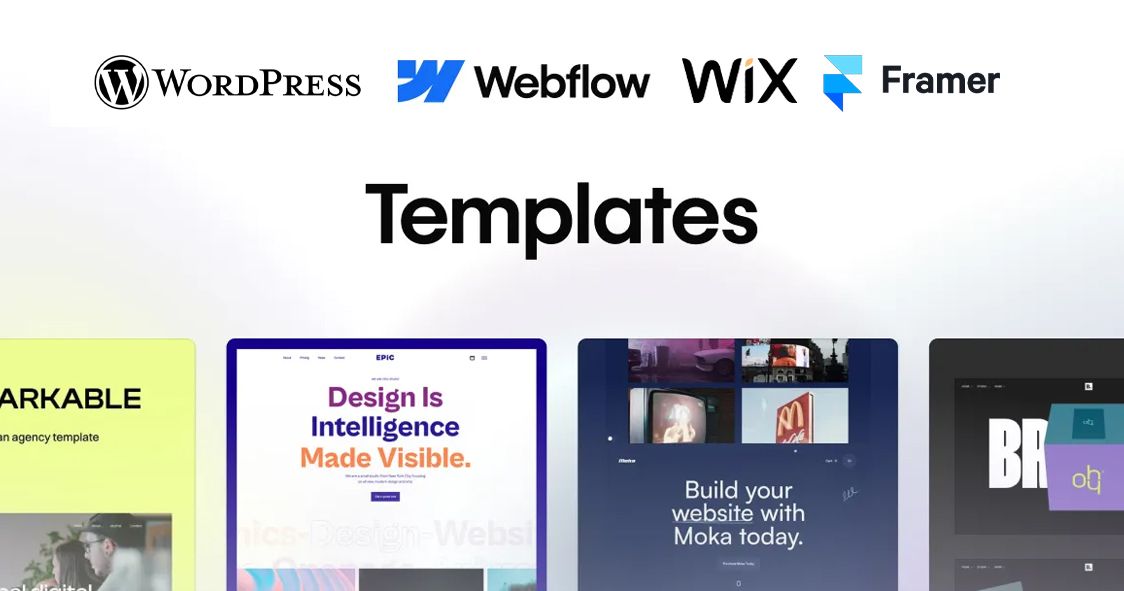
A template website is built using a pre-designed layout think WordPress themes, Shopify themes, Squarespace, or Wix. You pick a design, swap in your logo, change the colors, add your content, and you're live. The heavy lifting the structure, the responsive design, the basic functionality is already done for you.
Templates are not just for beginners anymore. Modern templates from platforms like Webflow or ThemeForest are genuinely polished, and many professional designers use them as starting points.
What Is a Custom Website?

A custom website is built from the ground up specifically for your brand and your needs. A developer (or a team) writes the code, designs the layouts, and builds features that fit exactly what you need. There's no pre-made structure; everything is deliberate.
Custom sites are typically built using frameworks like React, Next.js, Laravel, or plain HTML/CSS/JS depending on the complexity of the project.
2. The Real Cost Difference
Let's talk money, because this is usually where the conversation starts and ends for most people.
Template Websites
According to multiple industry sources, a template-based site typically costs between $500 and $5,000 all-in, depending on the platform and whether you hire someone to set it up or do it yourself.
- Squarespace personal plan: around $16–$23/month
- WordPress + premium theme: $50–$200 one-time + hosting ($5–$30/month)
- Shopify (for e-commerce): $39–$105/month depending on plan
- Freelancer to set up a template: $500–$2,500 on average
Sources: Squarespace.com pricing page, Shopify.com pricing page, industry averages from ThePermatech (2025)
Custom Websites
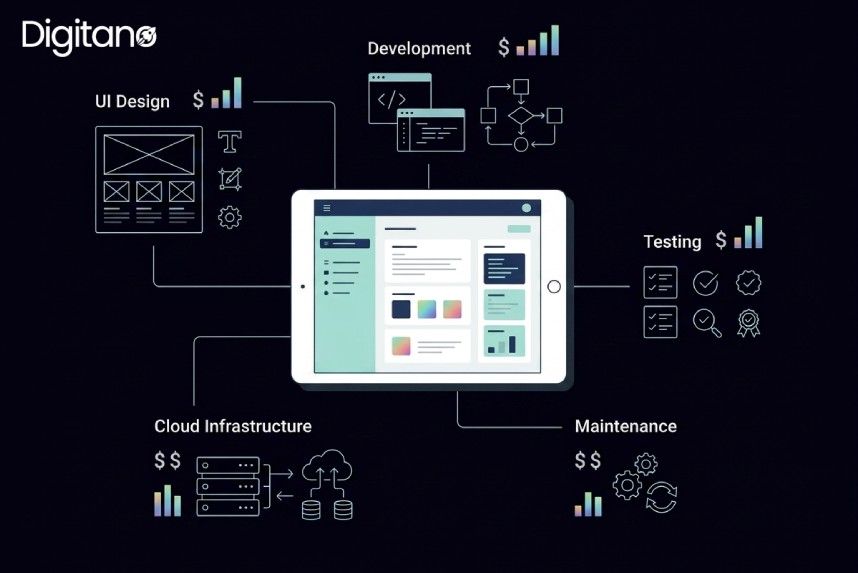
Custom websites have a much wider price range. A simple custom brochure site might cost $3,000–$8,000. A mid-range business site can run $10,000–$30,000. And a full-featured custom platform with e-commerce, integrations, and complex functionality can easily hit $50,000 to $100,000 or more.
That gap sounds scary, but it makes sense when you consider what you're paying for: developer time, UX design, testing, and the fact that every single element is thought through specifically for you.
3. Speed to Launch
Time is often just as important as money especially if you're trying to catch a market window, launch before a competitor, or simply stop losing customers because you don't have a web presence yet.
Templates Win on Speed
With a template, you can realistically have a professional-looking website live within a few days. Some people knock this out in a weekend. Platforms like Squarespace and Wix are genuinely drag-and-drop you don't need to know code.
Even if you hire a freelancer to set one up, a two-to-three week turnaround is completely normal.
Custom Sites Take Time But It's Worth It
Custom development typically takes three to six months, sometimes longer depending on the scope. You've got discovery sessions, wireframes, design reviews, development sprints, testing, revisions... it's a real process.
That's not a knock on custom sites it's just the reality. Quality takes time. If you need something live next week, a template is your only realistic option.
4. Design & Branding Flexibility
Here's where things get a little more nuanced and where many businesses discover that the cheaper option actually costs them more in the long run.
The Template Trap
Templates are designed to appeal to as many people as possible, which means they're inherently generic. You can change the colors and fonts, but you're still working within someone else's structure. The spacing, the layout logic, the way sections flow that's all locked in.
The bigger problem? Thousands of other businesses are using the same template. In a crowded market, looking exactly like your competitor isn't ideal.
Custom = Your Brand, Your Rules
With a custom site, every pixel is intentional. The navigation flows the way your users actually think. The homepage tells your specific story. The product pages are laid out the way your products need to be shown not the way some template decided they should look.
This matters more than people realize. A Stanford study found that 75% of a website's credibility comes directly from its design. If your site looks like a cookie-cutter template, it can subtly undermine trust.
5. Performance and SEO
This is an area where common assumptions often get flipped on their head.
Template Performance: Better Than You'd Think
A 2025 study analyzing 400 websites found some counterintuitive results:
- Custom sites: Average PageSpeed score of 72
- Premium templates: Average PageSpeed score of 84
- Budget/free templates: Average PageSpeed score of 61
Source: Athenic Blog Custom Website Development vs Templates: Complete Comparison for 2026
Premium templates from platforms like Webflow, Framer, and modern WordPress themes are genuinely well-optimized. They've been refined over years with thousands of users, and the platforms invest heavily in performance.
The SEO Question
There's a persistent myth that custom websites always rank better than template sites. The data doesn't really back this up. According to Athenic's 2026 comparison study, there's no measurable SEO advantage for custom sites over premium templates in organic search rankings.
What matters for SEO is content quality, site speed, mobile optimization, and technical fundamentals all of which can be achieved with either approach. The difference shows up in edge cases: if you need very specific structured data, unique URL architectures, or custom caching logic, a custom build gives you that flexibility.
6. Scalability and Long-Term Growth
This is arguably the most important factor that most people overlook when choosing.
Templates Have a Ceiling
At some point, templates hit a wall. Maybe your product catalog grows too large for the theme to handle efficiently. Maybe you want to build a custom checkout flow, or integrate with an internal CRM, or add a feature that just doesn't exist as a plugin. Template platforms can be surprisingly rigid when you try to push past their defaults.
Platform lock-in is also a real concern. If you build on Wix, your site lives on Wix. Migrating later is painful. If you build on a hosted Shopify, you're dependent on their pricing, their uptime, and their decisions.
Custom Sites Are Built for Growth
A well-built custom site can scale with your business. You add features when you need them. You own the codebase. You're not at the mercy of a platform's pricing changes or policy updates.
For companies that expect significant growth or that have complex, specific requirements from day one the cost of a custom site is often justified by what it prevents: a painful and expensive rebuild in 18 months when the template can't keep up.
7. Side-by-Side Comparison
8. Who Should Choose What?
Go With a Template If...
- You're a startup or small business with a budget under $5,000
- You need to launch quickly within weeks, not months
- Your website needs are straightforward: a homepage, about page, services, contact
- You don't have (or need) complex custom functionality
- You want to manage and update the site yourself without technical knowledge
- You're testing a business idea and want a low-risk way to establish a presence
Go With a Custom Site If...
- Your brand identity is a core part of your business, and you need it to stand out
- You have a budget of $10,000 or more to invest upfront
- You need specific functionality that templates don't support custom integrations, unique workflows, complex user accounts
- You're building a product that is the website (a SaaS platform, marketplace, app)
- You're in a competitive space where design differentiation matters
- You're planning for significant growth and don't want to rebuild in two years
9. The Numbers That Should Influence Your Decision
Frequently Asked Questions
Q1: Is a template website good enough for SEO?
A. Yes for most businesses, a well-configured template site can achieve solid SEO results. Modern premium templates from Webflow, WordPress (with proper plugins), and Shopify include good foundational SEO structures. What matters more is your content quality, site speed, and how well you implement on-page SEO practices. If you need very technical SEO control, a custom build gives you more flexibility, but most businesses never need that level.
Q2: How much does a good custom website actually cost?
A. In 2025, a professionally built custom website ranges from $10,000 on the low end (for a relatively simple site from a freelancer or small agency) to $100,000 or more for complex builds with custom functionality, integrations, and a full design process. The average mid-range custom business site lands somewhere between $15,000 and $40,000. Be skeptical of anyone quoting you $2,000 for a 'custom' site that usually means a heavily customized template, not a genuine custom build.
Q3: Can I start with a template and move to a custom site later?
A. Yes, and this is often the smartest approach for newer businesses. Start with a good template, validate your business model, build your audience, and generate revenue. When your needs outgrow the template or when you have the budget to invest then commission a custom build. The key is to choose a template on a platform that won't make migration impossibly painful. WordPress-based templates, for example, give you more portability than fully proprietary platforms like Wix.
Q4: Do templates look unprofessional?
A. Not necessarily. Premium templates today are genuinely well-designed. The issue isn't the quality of the template itself it's the lack of uniqueness. If your brand relies heavily on visual differentiation, a template can work against you because others in your industry may be using the same design. That said, with good photography, strong copy, and thoughtful customization, a template site can look polished and professional for most use cases.
Q5: What about website builders like Wix and Squarespace are they templates?
A. Yes, website builders like Wix, Squarespace, and Webflow operate on a template-based model. You choose a design theme and work within it. Webflow is worth calling out separately because it offers significantly more design flexibility than Wix or Squarespace, sitting somewhere between a traditional template and a custom build in terms of control. Many designers use Webflow to deliver near-custom results at a faster pace and lower cost.
Q6: Is a custom website worth it for a small business?
A. Honestly, for most small businesses especially those just starting out a premium template is the more sensible choice. The money saved can go toward marketing, product development, or operations. A custom site makes more sense when your business has specific requirements that templates can't meet, when your brand identity is a genuine competitive differentiator, or when you have the budget and timeline to do it right.
Q7: How do I know if a template can handle my needs?
A. Before committing to a template, list out every feature your site needs e-commerce, booking systems, membership areas, multilingual support, custom forms, API integrations. Then check whether the template's platform supports those features natively or through plugins. If you're relying on more than three or four third-party plugins to fill gaps, that's a warning sign that you might be pushing past what the template was designed for.
Final Thoughts
Here's the most honest thing I can tell you: neither option is automatically better. They serve different needs, different budgets, and different stages of business.
Templates have come a long way. The days of cheap, obviously templated sites being a liability are mostly behind us modern premium templates are genuinely good. For a new business, a small company, or someone testing an idea, a well-chosen template is not a compromise. It's the smart play.
Custom websites, on the other hand, are an investment that pays off when the conditions are right when you need something specific, when your brand is your business, and when you've got the budget and timeline to do it properly.
The trap most people fall into is picking based on price alone. If you go custom and cut corners to save money, you'll end up with something worse than a good template. If you pick a template when your business genuinely needs custom functionality, you'll be rebuilding in 18 months.
So before you decide, ask yourself three questions:
- What do I actually need this website to do, and does a template support that?
- What is my realistic budget not just to build the site, but to maintain it?
- Where do I want this business to be in two to three years, and will this website grow with it?
Answer those honestly, and the right choice will be fairly clear.