Every great app and website starts the same way: as a rough sketch of boxes and lines. That sketch is called a wireframe, and the tool you use to make it shapes how fast your ideas turn into real products. Pick the right tool and your team moves from idea to tested design in days. Pick the wrong one and you spend more time fighting the software than designing.
The wireframing world has changed a lot heading into 2026. Some famous names are gone: Adobe XD was discontinued in 2023, InVision shut down at the end of 2024, and Balsamiq is retiring its desktop app in favor of the cloud. At the same time, AI wireframe generators have grown from a fun toy into a real time-saver. You can now type a sentence like "a login screen for a food delivery app" and get an editable wireframe in seconds.
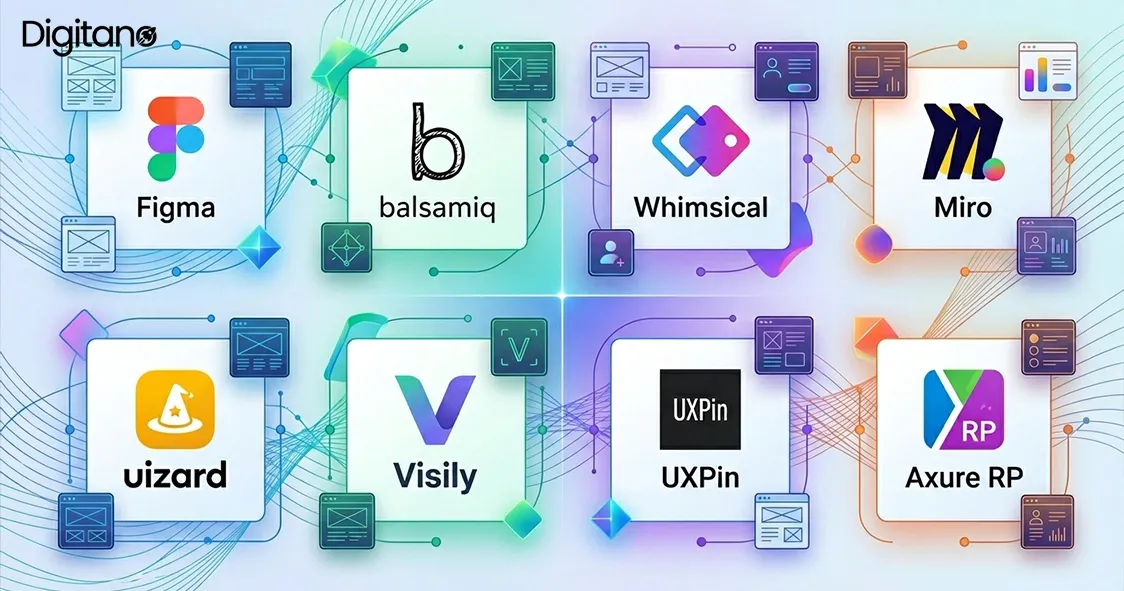
In this guide, we will look at the top 8 wireframe tools to use in 2026, with current pricing, what each tool does best, and who it suits. We will also answer the most common questions at the end. Everything is written in simple, easy words so you can read fast and decide faster.
What Is a Wireframe, in Simple Words?
A wireframe is the blueprint of a website or app. It shows where things go: the logo here, the menu there, the buy button at the bottom. It uses plain boxes, lines, and placeholder text instead of colors, photos, and fonts. The point is to test the layout and the flow of screens before anyone spends money on design and development.
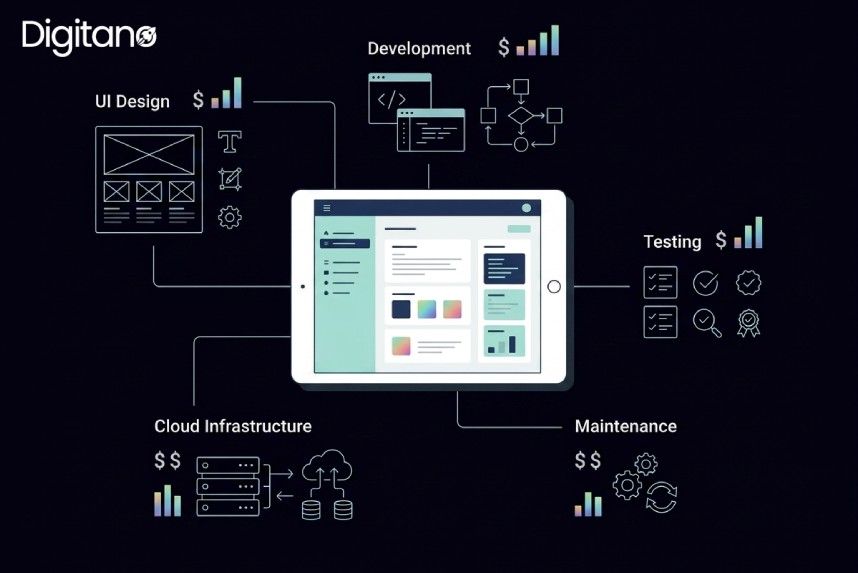
Why does this matter so much? Because fixing a problem on a wireframe takes minutes, while fixing the same problem after the app is built can take weeks and serious money. Research on software projects has shown for years that errors caught after development cost many times more to fix than errors caught at the planning stage. Wireframing is the cheapest insurance your project will ever buy.
Low-Fidelity vs High-Fidelity Wireframes
Before comparing tools, it helps to know the two main types of wireframes, because some tools specialize in one or the other.
- Low-fidelity wireframes are quick and rough: gray boxes, placeholder text, no real content. They take minutes to make and are perfect for the very first stage, when you are still deciding what goes on each screen. Balsamiq and Whimsical live in this world.
- High-fidelity wireframes are detailed and closer to the real thing: actual spacing, real text, sometimes clickable links between screens. They take longer but are great for user testing and for showing developers exactly what to build. Figma, UXPin, and Axure RP shine here.
Most successful projects use both, starting low-fidelity to settle the structure, then moving high-fidelity to refine the details. The good news is that several tools on this list handle the full journey, so you do not always need two apps.
How We Picked These 8 Tools
There are dozens of wireframing apps out there, so we filtered them using four simple questions that matter most in 2026:
- Ease of use: Can a new team member build their first wireframe without a tutorial?
- Collaboration: Can the whole team work on the same file in real time? This has become a baseline expectation, not a bonus.
- AI features: Does the tool use AI to speed up early-stage work, like generating layouts from text or converting sketches into editable screens?
- Fair pricing: Is there a useful free plan, and do paid plans make sense for solo designers and teams alike?
Quick Comparison: Top 8 Wireframe Tools in 2026
1. Figma: The All-Rounder Everyone Knows
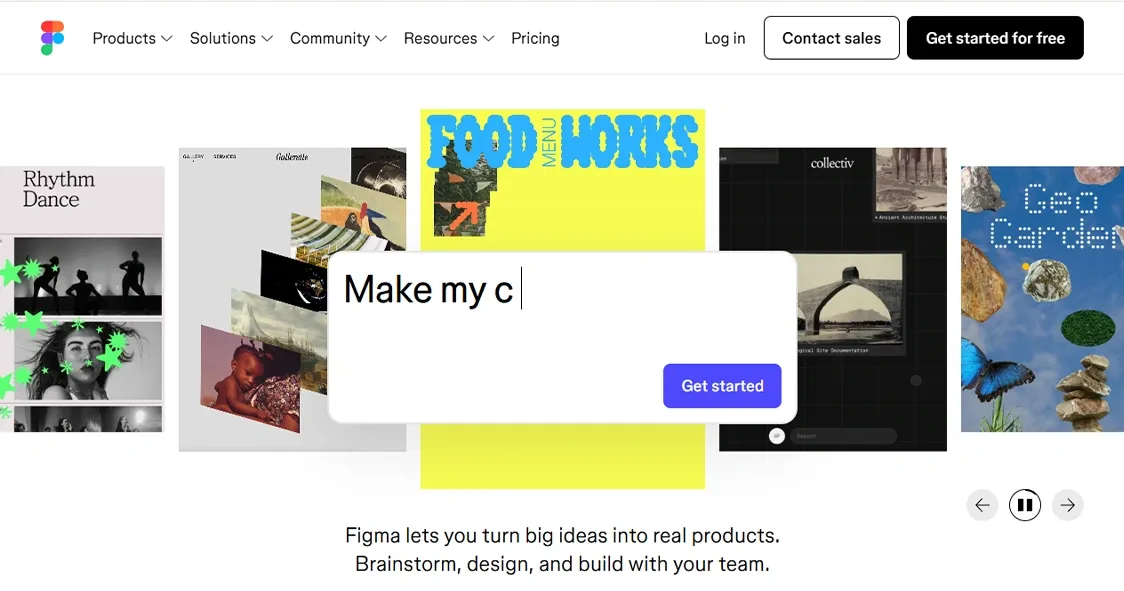
Figma is the most popular design tool in the world, and it remains the safest choice for wireframing in 2026. It runs in the browser, works on any computer, and lets your whole team edit the same file at the same time. You see teammates' cursors moving live, which makes feedback instant instead of an email chain.
- Key strengths: Real-time collaboration, a massive library of free wireframe kits and plugins, and built-in AI features for generating and editing designs.
- Pricing: The free plan includes unlimited drafts and 150 AI credits per day (up to 500 per month). The Professional plan starts at $16 per user per month billed annually.
- Best for: Teams that want one tool for the whole journey, from rough wireframe to final polished design and developer handoff.
The only honest downside is that Figma can feel like too much tool for a quick sketch. If all you ever do is low-fidelity wireframes, a lighter option below may suit you better.
2. Balsamiq: The Low-Fidelity Classic
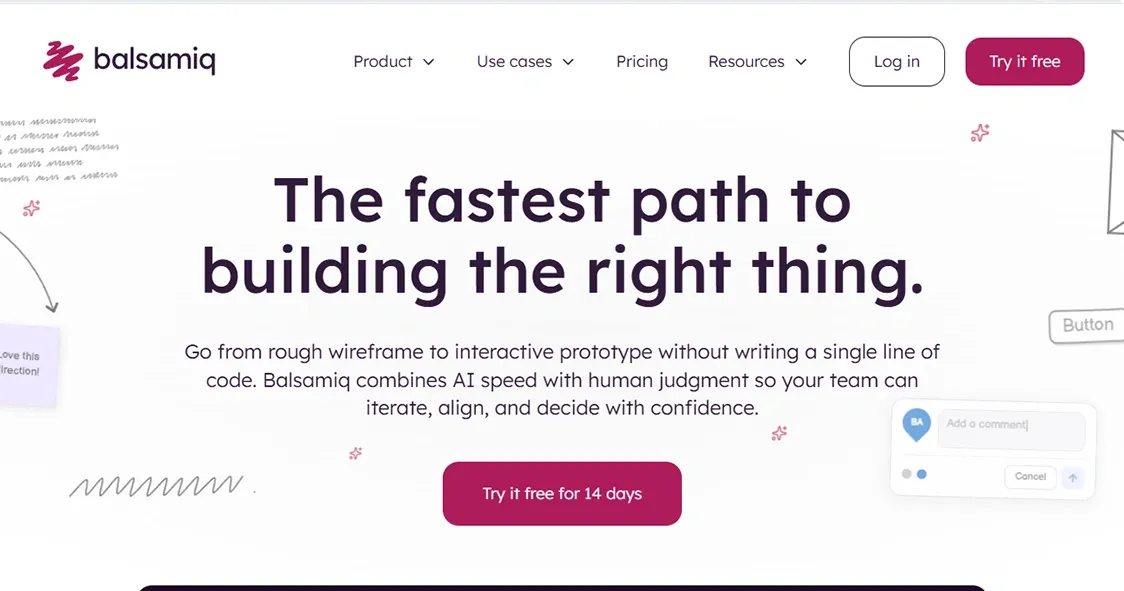
Balsamiq has been around since 2008 and is still the king of intentionally rough wireframes. Its sketchy, hand-drawn style is a feature, not a bug: when a wireframe looks unfinished, stakeholders comment on the layout instead of arguing about colors. That keeps early meetings focused on what matters.
- Key strengths: Drag-and-drop simplicity, a big library of ready-made UI elements, and a look that screams "this is a draft, give honest feedback."
- Pricing: No permanent free plan, but there is a free trial. Paid cloud plans start at around $12 per month for 2 projects with unlimited users.
- Best for: Product managers, founders, and anyone who wants to sketch ideas fast without learning a complex design tool.
Note for 2026: Balsamiq is sunsetting its desktop app, so new users should start with the cloud version.
3. Whimsical: Built for Speed
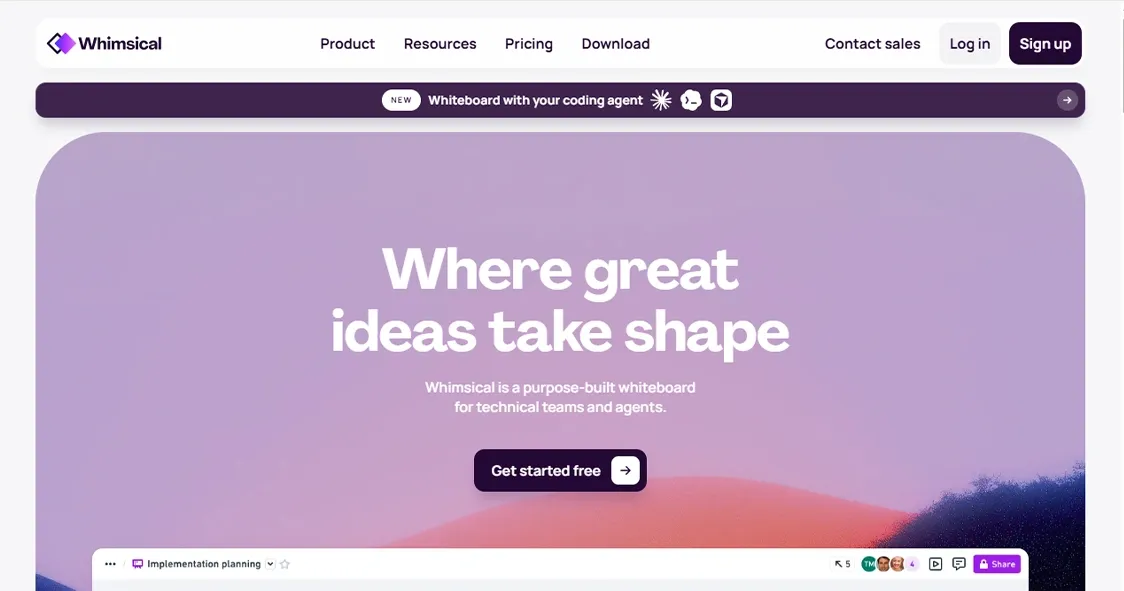
When you need to get an idea out of your head and onto a screen as fast as humanly possible, Whimsical is the tool to reach for. The interface is clean and instantly understandable; pretty much anyone on a team can start wireframing without a tutorial.
- Key strengths: Extremely fast, deliberately limited design choices (preset colors and simplified UI elements) so you focus on layout and user flow, not pixels. It also handles flowcharts, mind maps, and docs in the same app.
- Pricing: A useful free plan; paid plans start at roughly $10 per editor per month.
- Best for: Early-stage thinking, quick concept exploration, and mixed teams of designers and non-designers.
The limited styling that makes Whimsical great early on is also why teams usually move to Figma or UXPin for high-fidelity work later.
4. Miro: Wireframing on a Giant Whiteboard
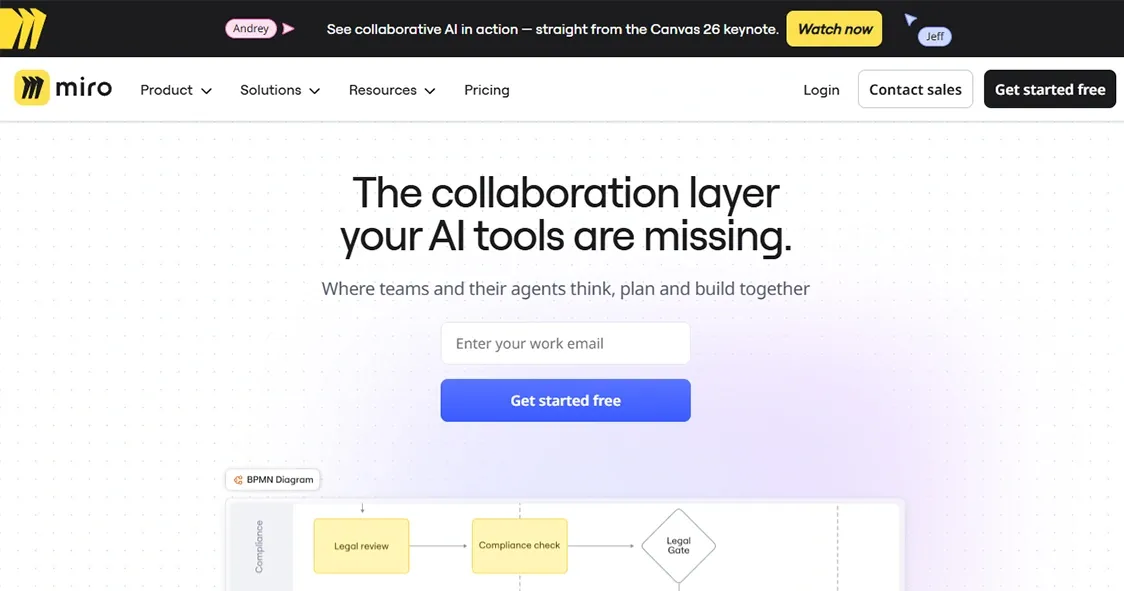
Miro is not a dedicated wireframe tool. It is a collaborative whiteboard that happens to do wireframing well, and that turns out to be exactly what many teams need. With more than 5,000 templates and over 160 integrations including Jira, Asana, and Azure DevOps, it slots into existing workflows without friction.
- Key strengths: Unbeatable for live workshops where you sketch screens, map user journeys, and vote on ideas in one session. The 2025–2026 story is Miro AI Canvas, with AI agents and visual AI workflows currently in beta.
- Pricing: Free plan with 3 editable boards; Starter at $8 per member per month and Business at $20 per member per month.
- Best for: Design workshops, brainstorming sessions, and teams that already live in Miro for other work.
If wireframing is your primary daily task, a focused tool like Balsamiq or Whimsical will feel sharper. As a do-everything canvas, though, Miro is hard to beat.
5. Uizard: AI Wireframes for Everyone
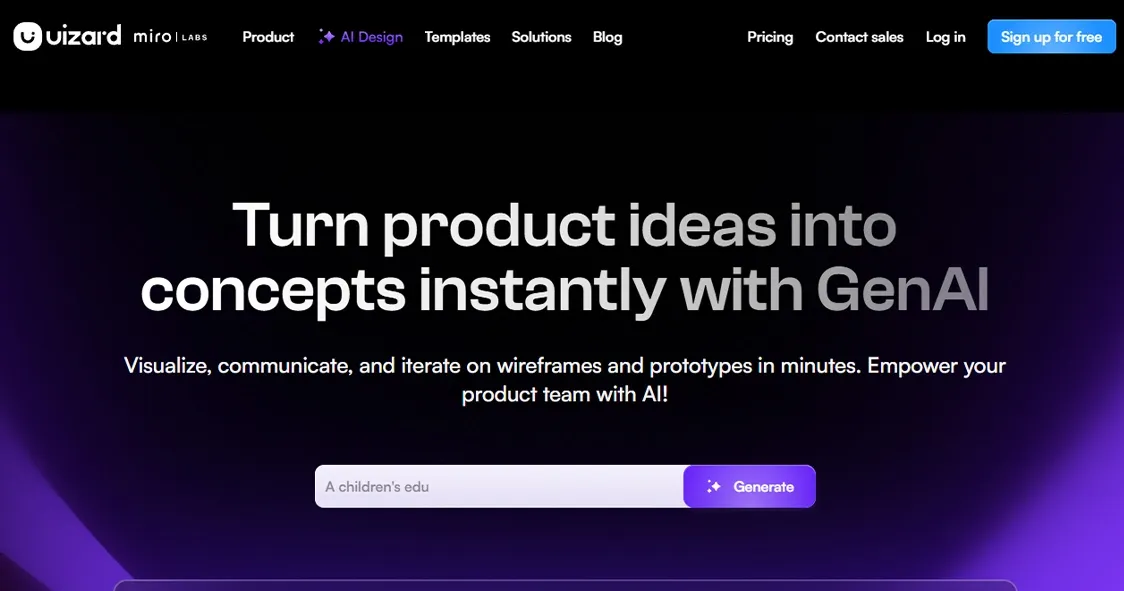
Uizard is the tool that made AI wireframing famous. You type a text prompt describing the screen you want, and Uizard generates it in seconds. You can also photograph a pen-and-paper sketch or upload a screenshot, and the tool converts it into a fully editable design. For people who cannot design and do not want to learn, this feels like magic.
- Key strengths: Text-to-wireframe generation, sketch and screenshot conversion, and templates that get a non-designer to a presentable result in minutes.
- Pricing: Free plan available; paid plans range up to about $39 per month, with custom enterprise pricing.
- Best for: Founders, marketers, and product people who need to show an idea today, plus designers who want a fast starting point to refine.
AI output still needs human judgment, and professional designers will outgrow Uizard's editing depth. But as a speed tool, it has genuinely earned its place.
6. Visily: The AI Tool That Plays Nicely With Figma
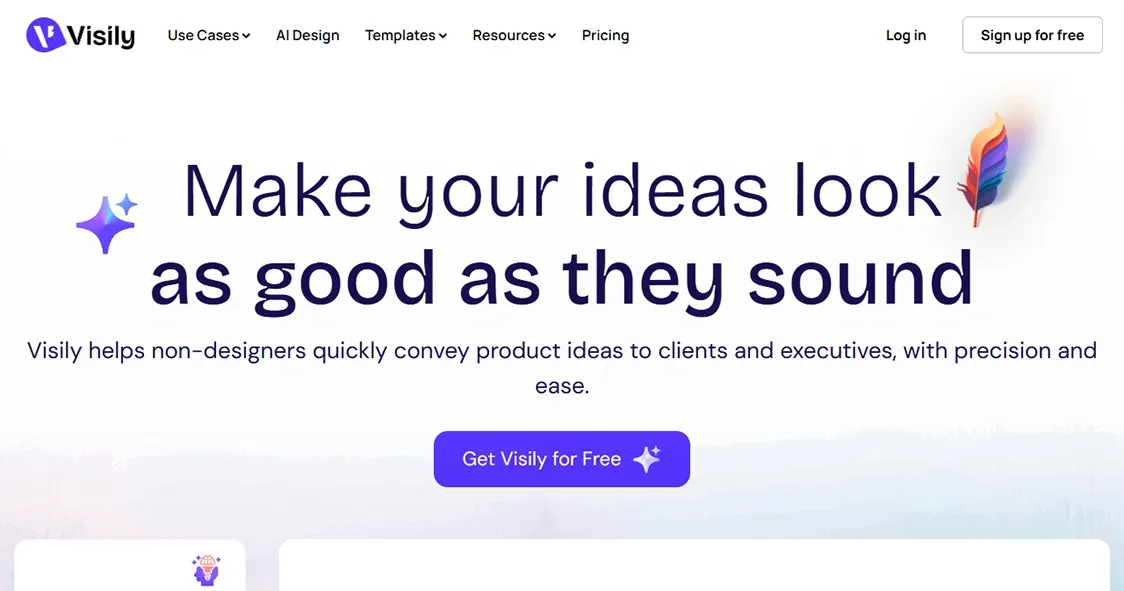
Visily takes a similar AI-first approach but aims at teams of any skill level. Its standout trick is turning screenshots of existing apps into editable wireframes, which is perfect when your brief is "something like this app, but for our product." It can also generate layout options from a text prompt and suggest UI structures for your use case.
- Key strengths: Screenshot-to-wireframe conversion, smart templates, easy collaboration, and direct export to Figma so AI speed feeds into a professional workflow.
- Pricing: Free plan with around 100 AI credits and 2 boards; paid plans start at about $11 per editor per month.
- Best for: Teams that want AI assistance in the early phase but plan to polish the final design in Figma.
7. UXPin: Wireframes That Behave Like Real Products
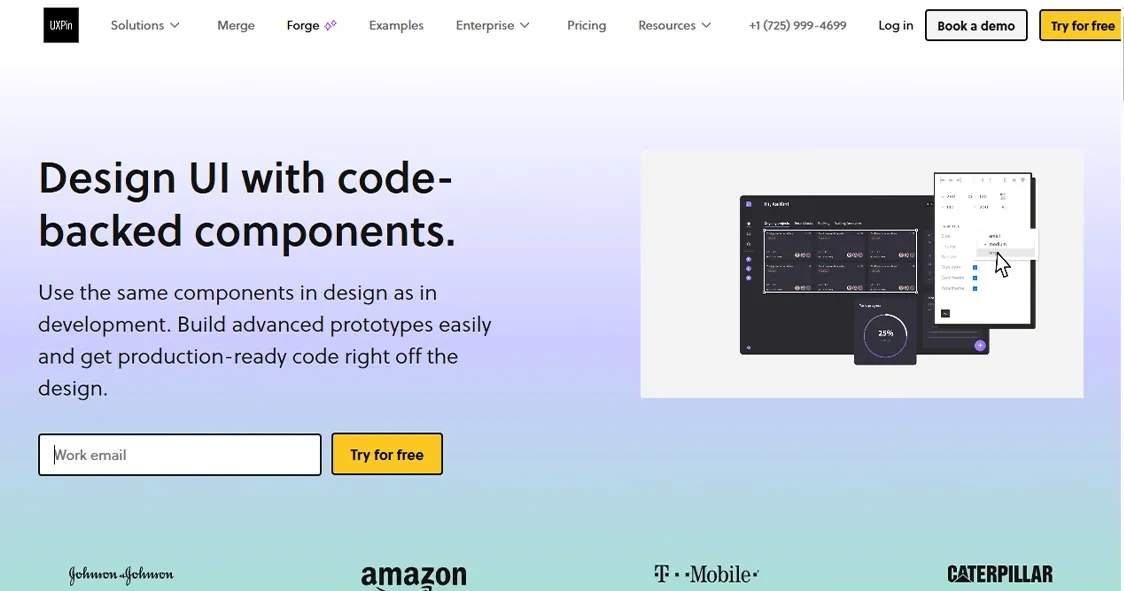
UXPin blends wireframing, prototyping, and developer handoff into one platform, and it does something most tools cannot: it designs with real HTML elements rather than just vector shapes. That means what you see in UXPin is much closer to what actually gets built.
- Key strengths: Interactive prototypes with logic, variables, and conditional flows; form fields that really work; accessibility checks; and design systems that scale across big teams. Its AI features can draft components for you as well.
- Pricing: Plans typically start around $29 per editor per month, with bigger tiers for teams using its code-based Merge technology.
- Best for: Product teams that want their wireframes to evolve into realistic, testable, developer-ready prototypes without switching tools.
UXPin has a steeper learning curve than the lighter tools on this list, so it rewards teams who will use its depth.
8. Axure RP: The Heavyweight for Complex Logic
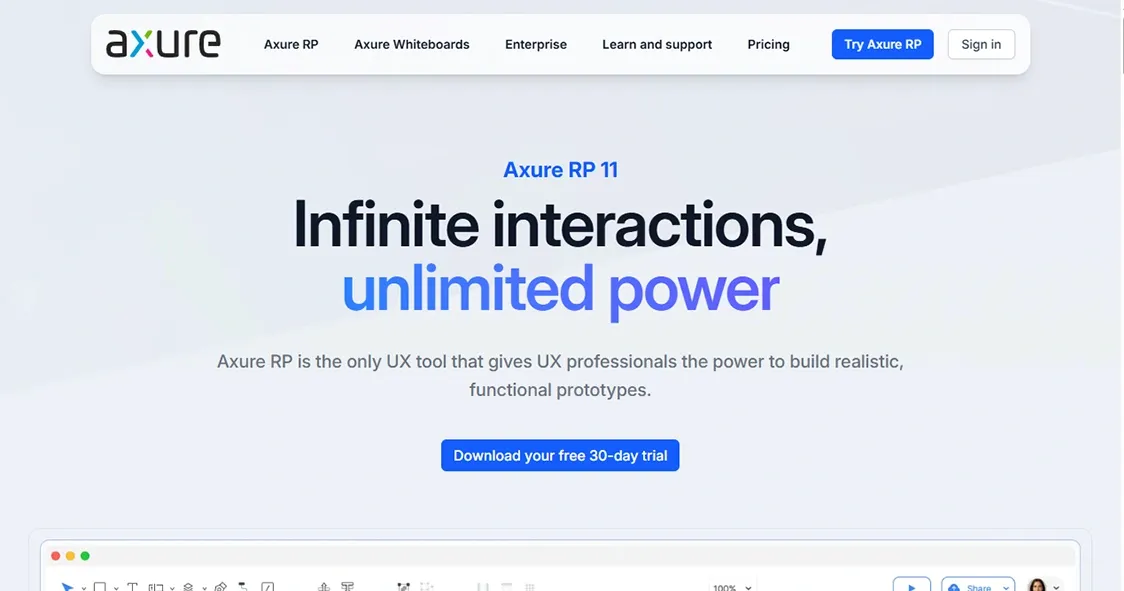
Axure RP is the veteran power tool of this list. Where other tools show static screens, Axure builds prototypes with conditional logic, dynamic content, variables, and data-driven interactions, all without writing code. If your product has complex flows, think banking dashboards, enterprise software, or multi-step forms with branching rules, Axure can simulate them realistically.
- Key strengths: Unmatched interaction depth, detailed documentation features for developers, and the trust of large enterprise UX teams built over many years.
- Pricing: No free plan beyond the trial; Axure RP Pro costs $25 per user per month billed annually (about $29 month-to-month).
- Best for: Professional UX designers working on complex, logic-heavy enterprise products where a simple clickable mockup is not enough.
For a quick landing page wireframe, Axure is overkill. For simulating how a complicated system really behaves before writing a line of code, nothing else comes close.
How to Choose the Right Tool for You
Eight good tools can still feel like a hard choice, so here is a simple way to decide based on who you are.
- Solo founder or non-designer: Start with Uizard or Visily. The AI does the heavy lifting, and the free plans are enough to test your idea.
- Product manager sketching ideas: Balsamiq or Whimsical. Both are fast, cheap, and keep feedback focused on structure.
- Design team building real products: Figma. One tool from first wireframe to final handoff, and every designer you hire will already know it.
- Remote team running workshops: Miro. Wireframe together live, then move the winners into your main design tool.
- Enterprise UX team with complex flows: Axure RP or UXPin, depending on whether you need deep logic simulation or code-based design systems.
One more practical tip: almost every tool here has a free plan or trial. Pick your top two, rebuild the same one screen in both, and the right choice usually becomes obvious within an hour.
Wireframing Trends to Watch in 2026
- AI as a starting point, not a replacement: AI generators have matured from novelty to genuine time-savers in 2025–2026. The winning workflow is AI for the first draft, humans for the judgment.
- Market consolidation: With Adobe XD discontinued and InVision gone, teams are standardizing on fewer, stronger tools, and the survivors are improving faster than ever.
- Real-time collaboration as table stakes: If a tool cannot host five people editing one file at once, it is no longer competitive in 2026.
- Blurring lines with prototyping: Wireframing used to mean static boxes. Modern tools increasingly handle structure, interactions, and clickable flows in one place.
Common Wireframing Mistakes to Avoid
A good tool will not save a bad process. These are the mistakes teams make most often, and they are all easy to avoid once you know them.
- Adding colors and fonts too early: The moment a wireframe looks pretty, feedback shifts from "is this layout right?" to "I don't like that blue." Keep it gray and rough until the structure is approved.
- Skipping the user flow: A single beautiful screen means little if users cannot tell how they got there or where to go next. Always wireframe the journey, not just the pages.
- Designing for only one screen size: More than half of web traffic is mobile. Wireframe the phone version alongside the desktop one from day one, not as an afterthought.
- Not testing with real people: Even five quick test users clicking through a wireframe will reveal problems your team is too close to see. Every tool on this list supports shareable links, so there is no excuse.
- Treating the wireframe as final: Wireframes exist to be changed. If nobody has suggested a change to yours, you probably have not shown it to enough people yet.
Frequently Asked Questions (FAQs)
Q1: What is the best free wireframe tool in 2026?
A: Figma offers the most generous free plan for general use, including unlimited drafts and daily AI credits. For AI-powered wireframing on a budget, Uizard and Visily both have useful free tiers, and Miro's free plan with 3 boards works well for occasional use.
Q2: What is the difference between a wireframe and a mockup?
A: A wireframe is a rough blueprint showing layout and structure using simple boxes and lines, with no colors or images. A mockup is a detailed, realistic picture of the final design with real colors, fonts, and graphics. Wireframes come first because they are faster and cheaper to change.
Q3: Are AI wireframe tools good enough to replace designers?
A: No. AI tools like Uizard and Visily are excellent at producing a fast first draft from a text prompt or screenshot, but they cannot understand your users, your business goals, or your brand the way a human can. The best results in 2026 come from AI speed combined with human judgment.
Q4: What happened to Adobe XD and InVision?
A: Adobe XD was discontinued in 2023 after Adobe stopped active development, and InVision shut down its design platform at the end of 2024. Most of their users moved to Figma. This consolidation is one reason the remaining tools are improving so quickly.
Q5: Should a beginner start with Figma or Balsamiq?
A: If you only need quick, rough wireframes, Balsamiq is easier on day one because it does only one thing. If you plan to grow into full design work, start with Figma; it is free to begin, and the skills transfer directly to most design jobs.
Q6: How much do wireframe tools cost in 2026?
A: Most tools follow the same pattern: a free plan or trial, then paid plans between $8 and $39 per user per month. Miro starts at $8, Whimsical around $10, Visily around $11, Balsamiq around $12, Figma at $16, Axure RP at $25, and UXPin around $29 per editor per month.
Q7: Can I wireframe a mobile app and a website with the same tool?
A: Yes. All eight tools in this list support both. They include device frames and templates for phones, tablets, and desktops, so you can design responsive layouts and mobile app screens in the same project.
Q8: Do I really need a wireframe tool, or can I just sketch on paper?
A: Paper sketching is a great first step and many designers still start there. But a digital tool lets you share with your team, get comments, make changes without redrawing, and turn the wireframe into a clickable prototype. A handy middle path: sketch on paper, then use an AI tool like Uizard to convert the photo into an editable digital wireframe.
Final Thoughts
There is no single best wireframe tool in 2026, but there is a best tool for you. Figma is the safe all-rounder, Balsamiq and Whimsical win on speed and simplicity, Miro owns collaborative workshops, Uizard and Visily bring AI power to everyone, and UXPin and Axure RP serve teams whose prototypes need to think, not just look pretty.
Whatever you pick, the most important step is the same one it has always been: wireframe before you build. Ten minutes spent moving boxes around today can save weeks of expensive rework tomorrow. Grab a free plan from this list and sketch your next idea this week.